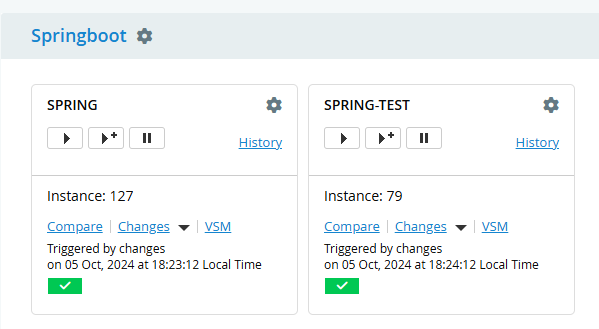
This article lays the implementation foundations for Release Train delivery. The key principle is Autonomous Development, Authoritative Release, with this material describing an autonomous development pipeline. The following steps achieve this using the Continuous Delivery Automation Framework (CDAF).
To provide a runtime verification of the build that has been deployed, the version is automatically incremented by placing a variable in the pom.xml file
<?xml version="1.0" encoding="UTF-8"?> ..
<artifactId>springboot</artifactId><groupId>io.cdaf</groupId><name>Spring Boot Data REST Sample</name><description>Spring Boot Data REST Sample</description><version>0.2.${build.number}</version>
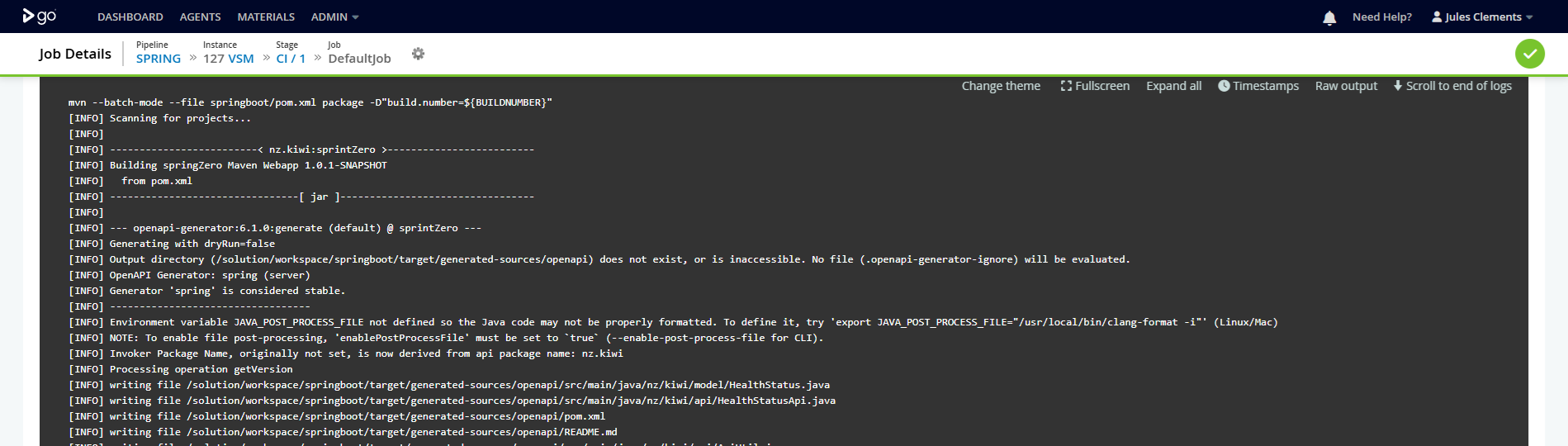
In the build task, the build number is supplied as a maven parameter
The resulting artefact is in a subdirectory, buy using the -flat parameter in storeForLocal the artefact will be placed in the root of release package.
springboot/target/springboot.war -flat
Image Build
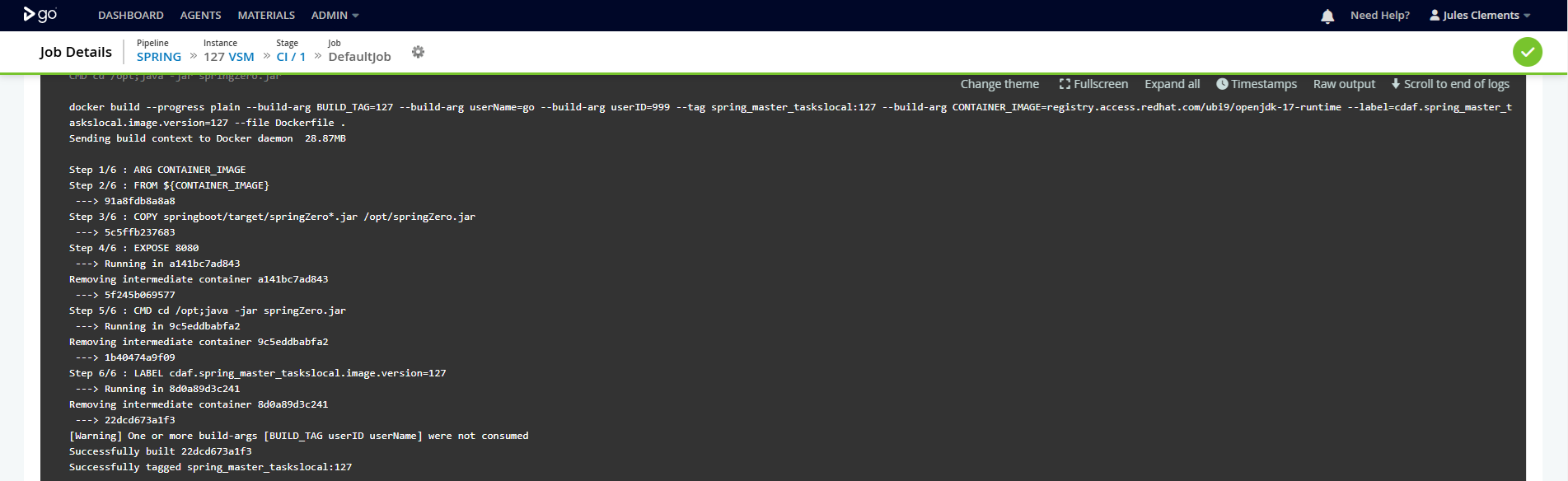
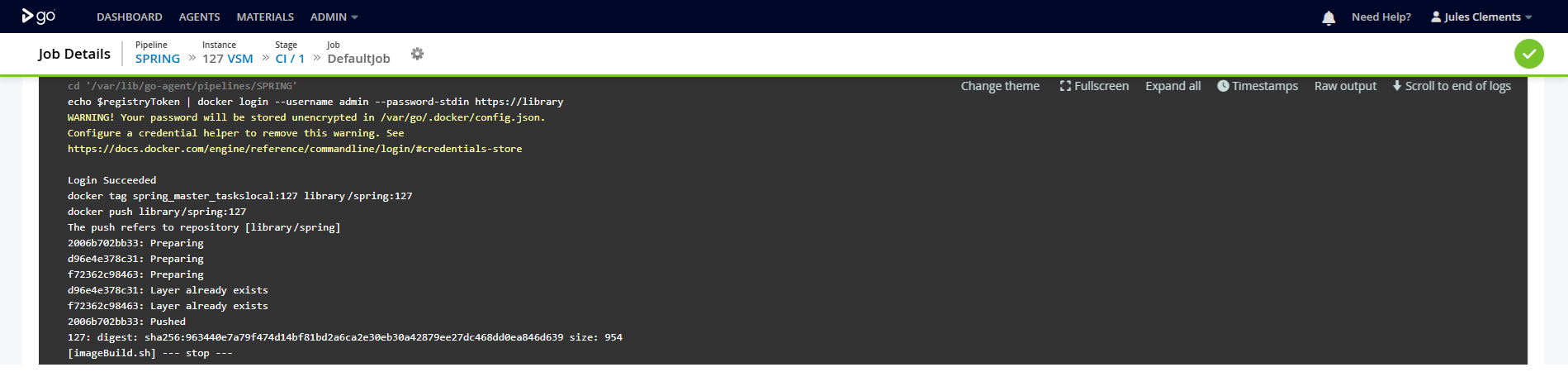
By setting the buildImage property in the CDAF.solution driver file, a docker image build and push is triggered. In this example the image is pushed to an on-premise container registry (Nexus).
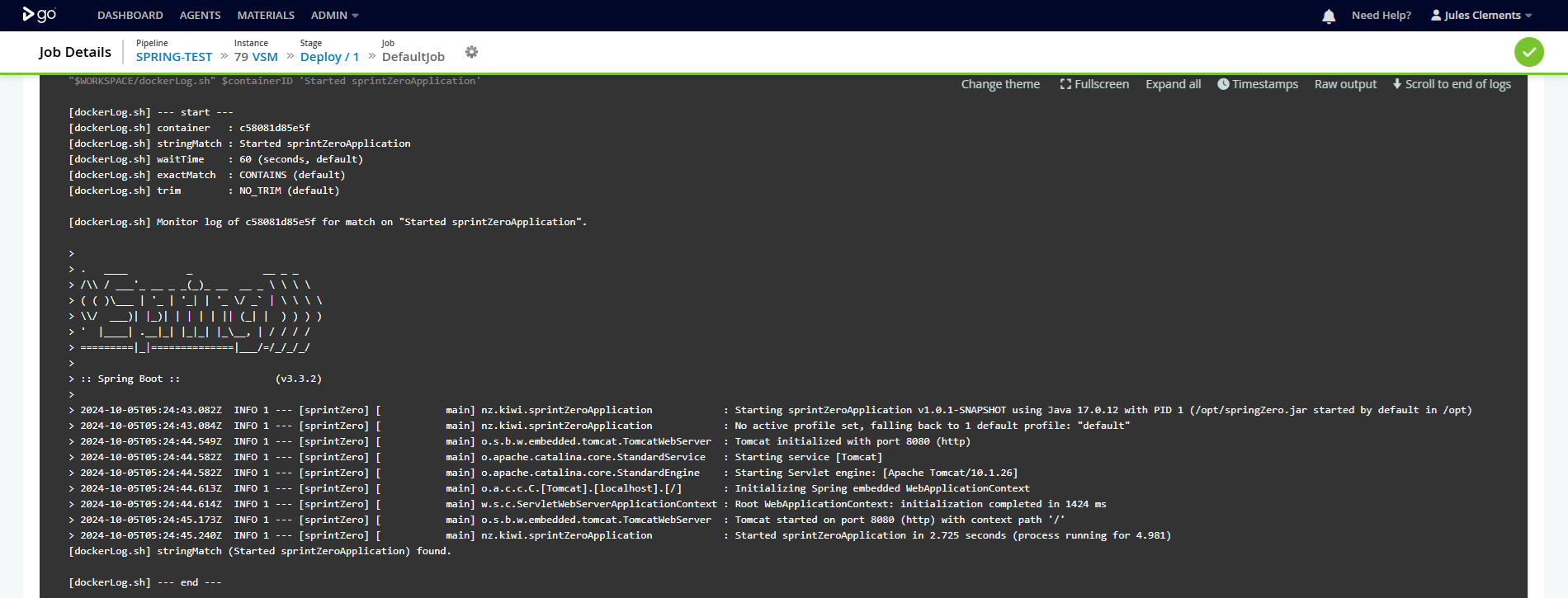
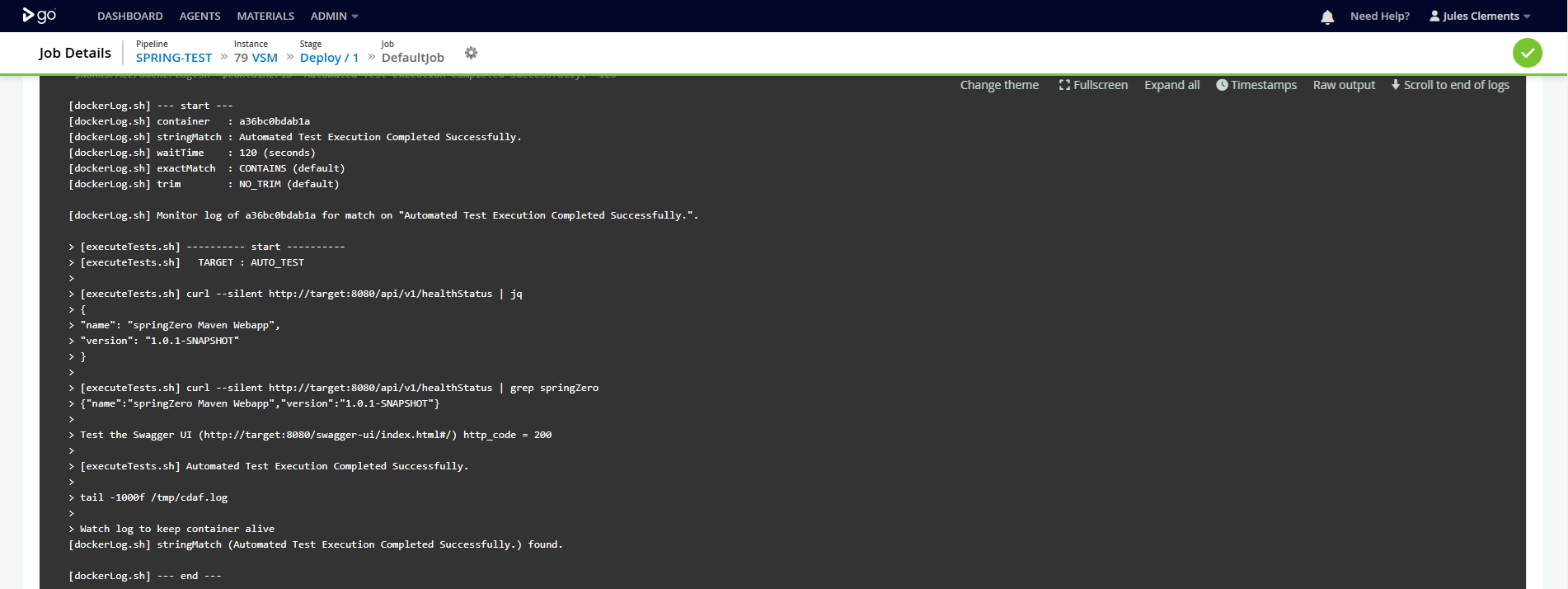
While this example does not delivery the software component imperatively, i.e. it is release declaratively via the Release Train, a Continuous Delivery stage is still performed, however this is a closed loop process, where docker-compose is used to stand-up a container instance from the image, stand-up another container to perform a smoke test, and then tear down the stack.