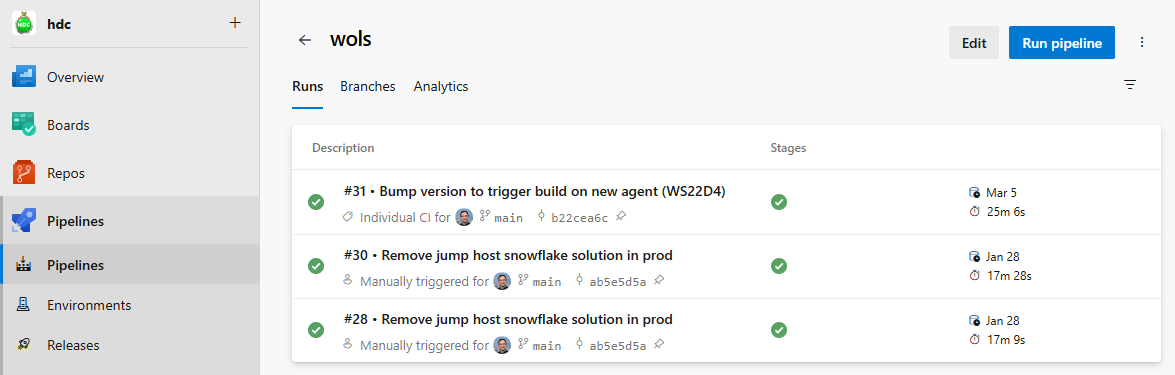
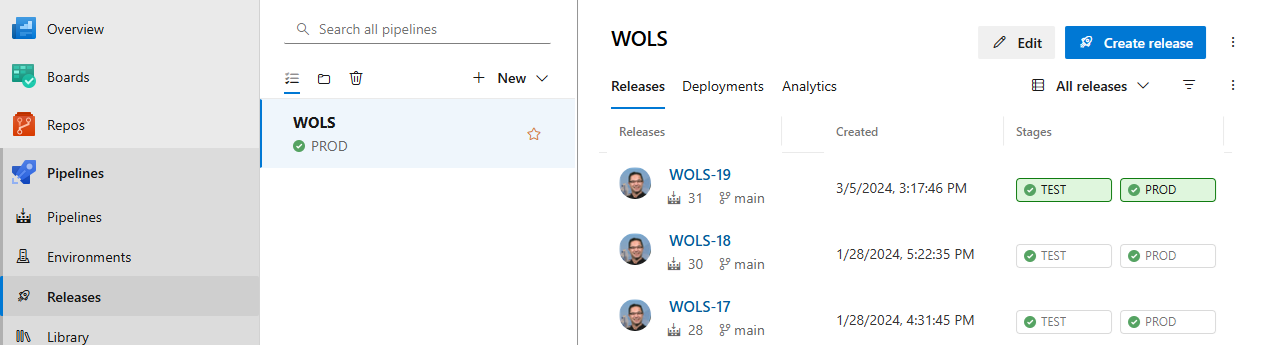
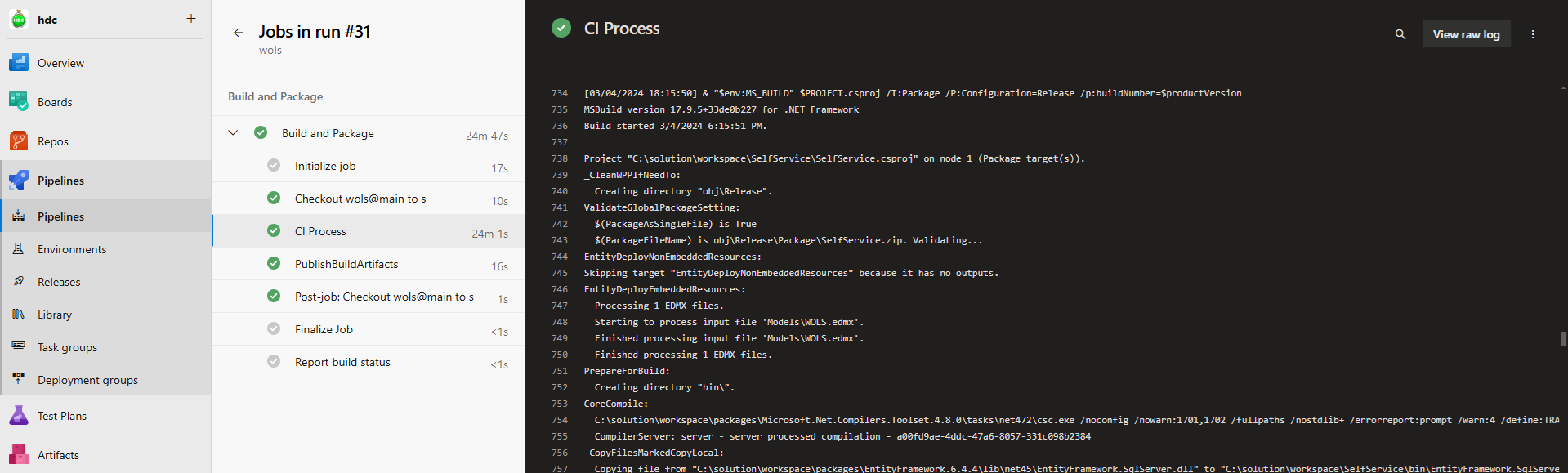
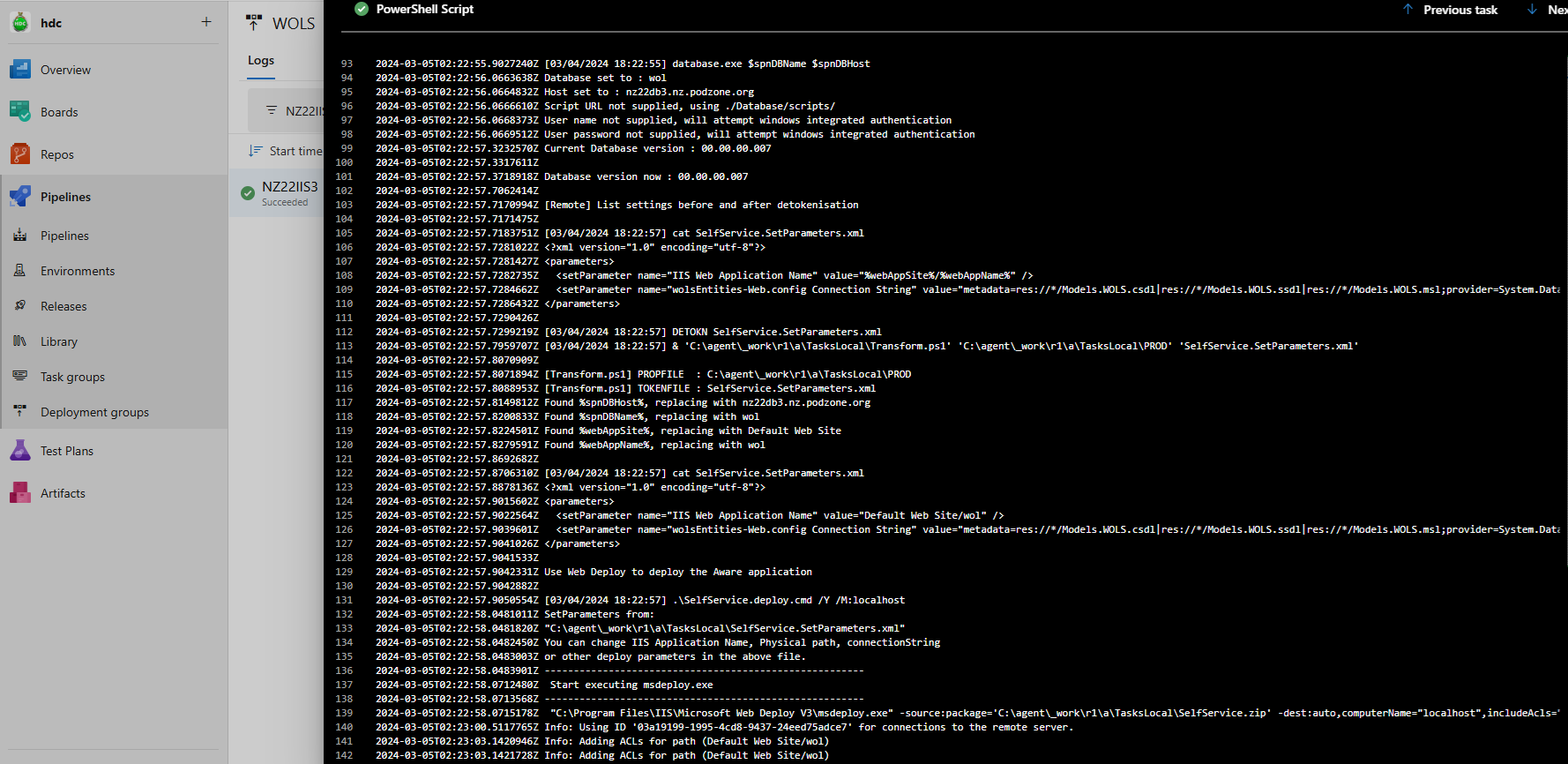
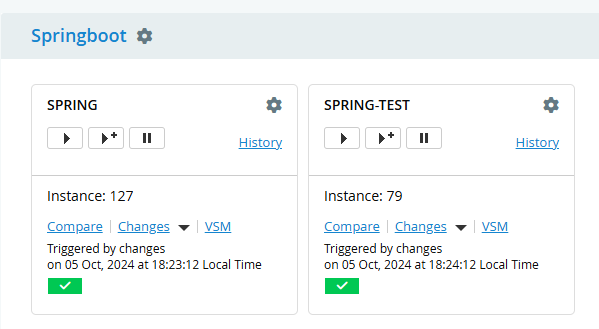
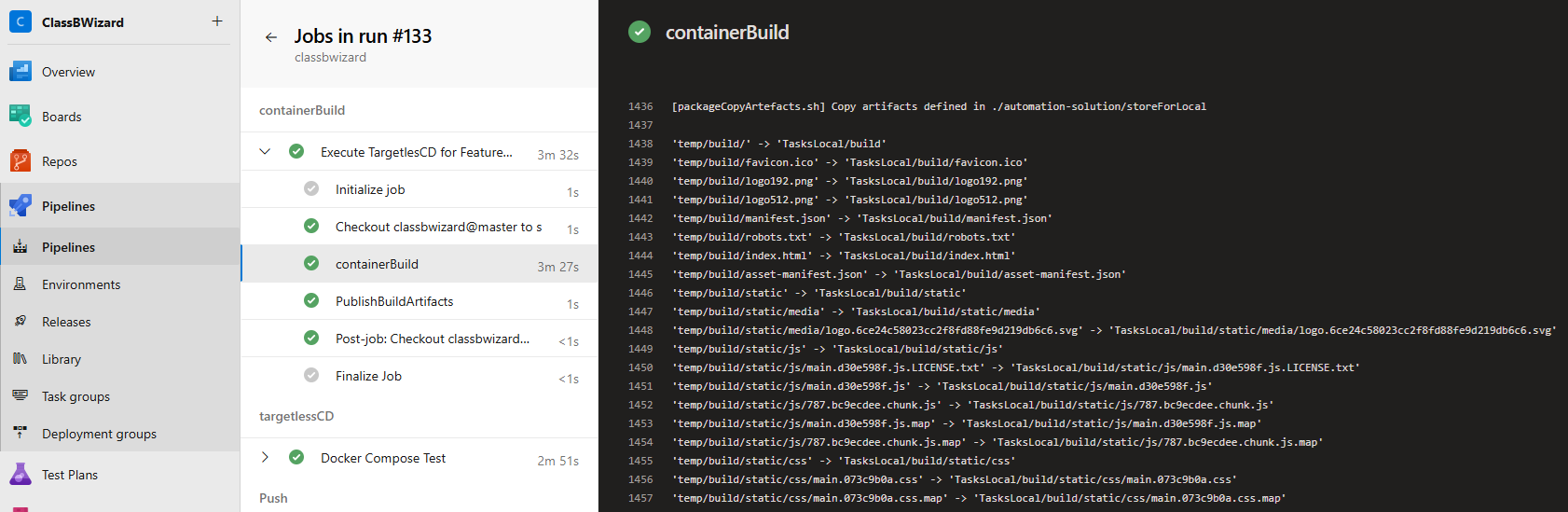
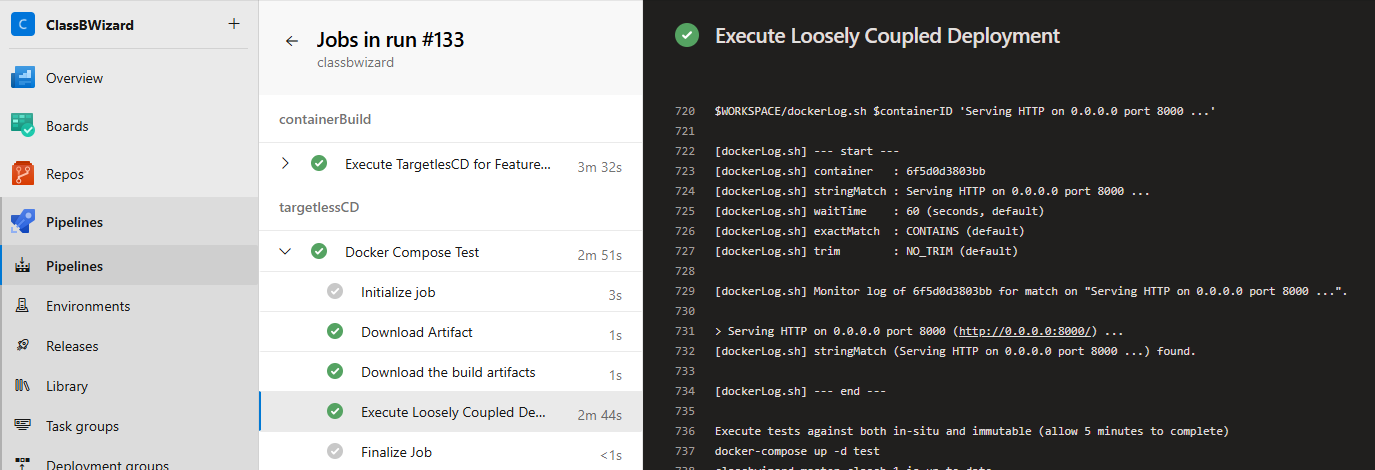
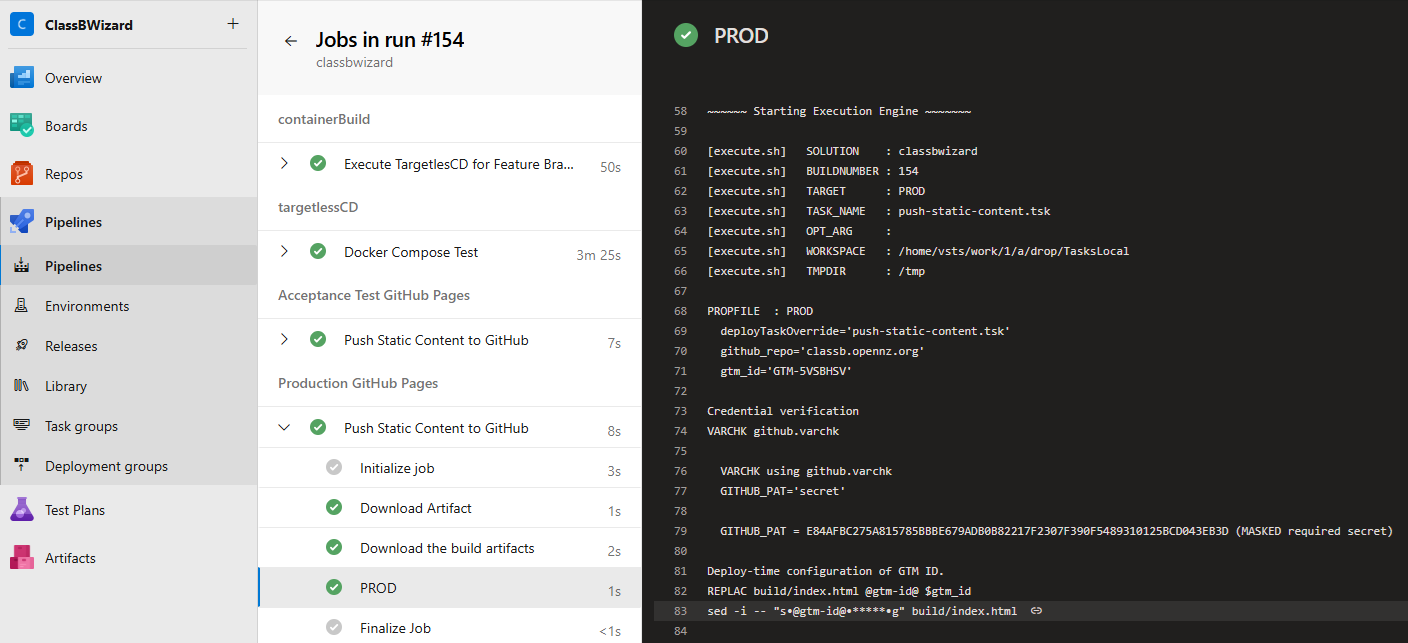
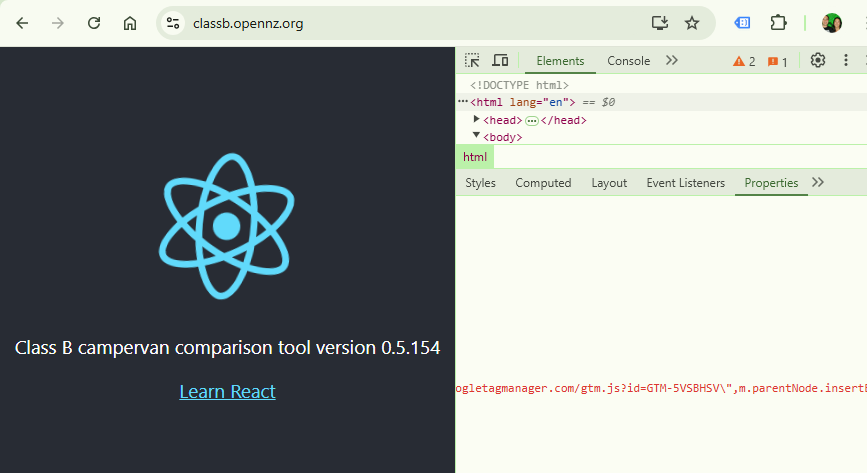
These examples are traditional development lifecycles, where each component is built (CI) and deployed (CD) independently. The deployments may or may not be gated, or maybe triggered based on branches, i.e. GitOps.
Build, Package and Deploy with Internet Information Services
This article matures the material authored by Troy Hunt, You’re deploying it wrong! In his article, the simple branch plan method was prevalent, as prescribed by Microsoft. This article lays the implementation foundations for trunk based delivery.
The key principle for trunk based delivery is build-once, deploy-many. The following steps achieve this using the Continuous Delivery Automation Framework (CDAF). The legacy features of Azure DevOps are used in this example.
In this example, the ASP.NET solution creates a Web Deploy package. A common approach for this is to create a build for each environment with the settings transformed into environment specific .config files.
In the CDAF approach, a single, tokenised, configuration file, i.e. Web.Release.config is produced. The principle of a single way of working encourages the abstraction of application settings from the internal representation.
Note: The Release build is used in this example, to avoid breaking the development experience which typically uses the Debug configuration. IF the developers use both Debug & Release configurations, create a separate configuration because the tokenised Release will not run in Visual Studio.
For generic settings, a simple direct mapping is recommended
The construction of web deploy settings for the deploy path is not intuitive and is no longer (after 2010) accessible via the Visual Studio user interface. Edit the .csproj file directly for the Release property group.
note that the % character itself has to be encoded, i.e. %25
Now that the ASP.NET specific files have been prepared, now the Continuous Integration (CI) process can be applied which will Build & Package the solution.
The primary driver file for CDAF is the CDAF.solution file. The directory containing this file is the SOLUTIONROOT. The mandatory properties are solutionName and artifactPrefix.
solutionName=MyAspAppartifactPrefix=0.1
Build Process
The CDAF Execution Engine is used to reduce the cognitive load, allowing the engineer to focus on the primary objective, and not have to cater for logging, exception and error handling. The build.tsk file is placed in the project sub-directory.
build.tsk
The EXITIF operation allows the skipping of the build prcess if the built-in variable $ACTION has been set to clean. The MSTOOL operation loads the path to MSBuild.exe into environment variable $env:MS_BUILD. The REPLAC operation detokenises static content file to inject the product version, which includes the built in $BUILDNUMBER. Then the compile of the code and generation of Web Deploy (/T:Package) artefacts is performed:
REMOVE bin
REMOVE obj
Write-Host "If Action is clean only, then exit`n"EXITIF $ACTION -eq"clean"Write-Host "Combine to create symantic (http://semver.org/) version`n"ASSIGN $productVersion+='.'ASSIGN $productVersion+=$BUILDNUMBER
MSTOOL
Write-Host "PROJECT : $($PROJECT)"Write-Host "`$productVersion : $productVersion`n"Write-Host "[$PROJECT] Apply product version as static content`n"REPLAC Views\Shared\_Layout.cshtml %productVersion% $productVersion
Write-Host "[$PROJECT] Build Project ($PROJECT) with specific parameters for web deploy.`n"& "$env:MS_BUILD" $PROJECT.csproj /T:Package /P:Configuration=Release /p:buildNumber=$productVersion
The resulting build is a directory files, which need to be included in your storeFor definition for packaging
storeFor
Define the artefacts that are needed to perform repeatable deployments.
The CDAF CI process will build the application, with tokenised settings and package this into a self-extracting release.ps1 file. This release package can be executed for all target environments.
The tokenised configuration files need to be detokenised at deploy time. The settings are likely to include both sensitive and non-sensitive values. A core principle of CDAF for sensitive values is based on the 12-Factor approach of using environment variables, while source control is the recommended approach for non-sensitive values.
Why Source Control for Settings?
The Continuous Delivery Automation Framework (CDAF) has been engineered for enterprise scale implementations. Large scale organisations typically have a higher focus on gating and auditing, and to provide a change of configuration audit trail, along with a single way-of-working, the configuration changes are applied using the same principles as other deliveries, e.g application development.
How are Application Settings Defined?
From the CI process, the release package containers a dokenised SetParameters.xml So now configuration management can be applied at deploy time. To provide a separation of concerns, where a user only wants to compare or change settings for environments, they do not have to understand the ASP.NET specific XML file formats, instead, they only need to review the configuration management tables.
properties.cm
CDAF does not have an opinionated view of configuration management files, but by convention, the key configuration settings are placed in properties.cm in the SOLUTIONROOT. The field names in the configuration management file must match the tokens.
context  target  webAppSite           webAppName  sqlDBHost  sqlDBName  sqlDBUser  sqlDBPassword
local    TEST    "Default Web Site"   test        nonprod    test       testuser   $env:TEST_DB_PASS
local    TEST    "Default Web Site"   uat         nonprod    uat        uatuser    $env:UAT_DB_PASS
local    PROD    "Default Web Site"   prod        prodsql    prod       produser   $env:PROD_DB_PASS
Deploy Many
During (Local)[/10-cdaf/10-getting-started/60-local-tasks] or (Remote)[/10-cdaf/10-getting-started/70-remote-tasks] deployment. The deployment task can now detokenise all properties for the application deployment. The CDAF Execution Engine is used to perform the deploy time detokenisation. CDAF environment variables are used to manipulate behaviour.
Write-Host "Detokenise the non-sensitive settings for this environment"DETOKN MyAspApp.SetParameters.xml
Write-Host "Detokenise the sensitive settings, resolving, but not revealing, settings containing variable names"$env:CDAF_OVERRIDE_TOKEN = '@'DETOKN MyAspApp.SetParameters.xml $TARGET resolve
Write-Host "Use Web Deploy to deploy the Aware application".\MyAspApp.deploy.cmd /Y /M:localhost
The overview of how to construct and test this locally see the CDAF basics.
Java and Maven Example
Build, Package and Deploy with Tomcat
This article lays the implementation foundations for Release Train delivery. The key principle is Autonomous Development, Authoritative Release, with this material describing an autonomous development pipeline. The following steps achieve this using the Continuous Delivery Automation Framework (CDAF).
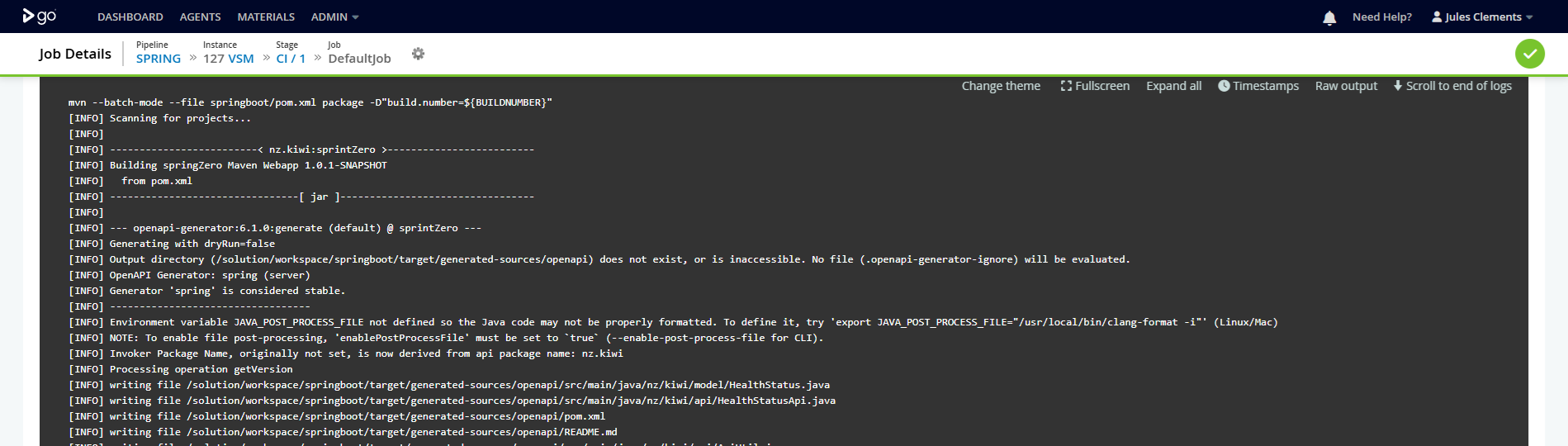
To provide a runtime verification of the build that has been deployed, the version is automatically incremented by placing a variable in the pom.xml file
<?xml version="1.0" encoding="UTF-8"?> ..
<artifactId>springboot</artifactId><groupId>io.cdaf</groupId><name>Spring Boot Data REST Sample</name><description>Spring Boot Data REST Sample</description><version>0.2.${build.number}</version>
In the build task, the build number is supplied as a maven parameter
The resulting artefact is in a subdirectory, buy using the -flat parameter in storeForLocal the artefact will be placed in the root of release package.
springboot/target/springboot.war -flat
Image Build
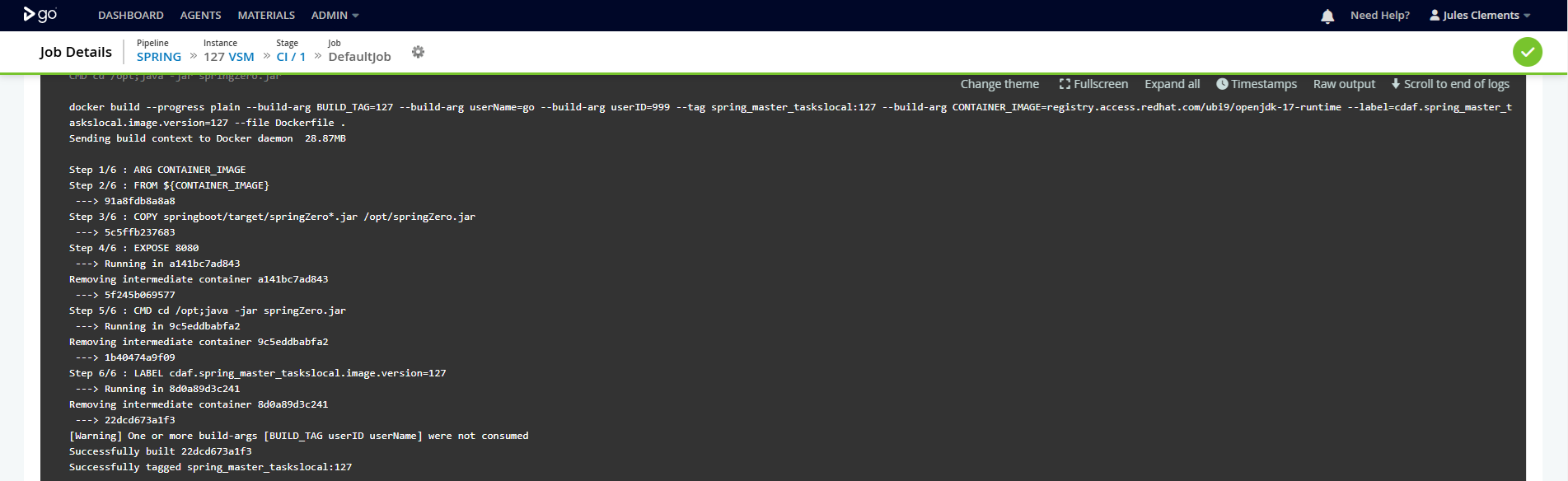
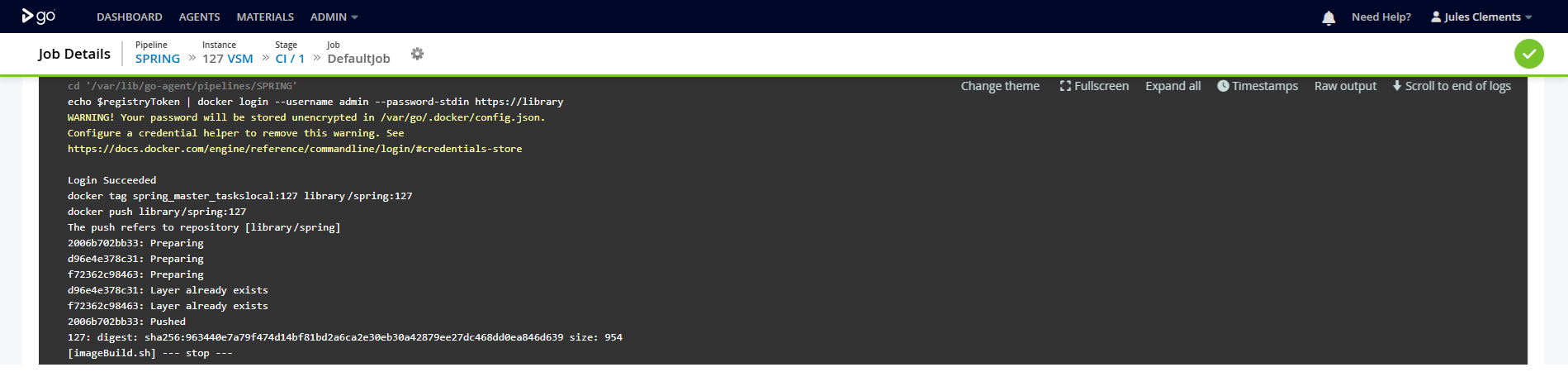
By setting the buildImage property in the CDAF.solution driver file, a docker image build and push is triggered. In this example the image is pushed to an on-premise container registry (Nexus).
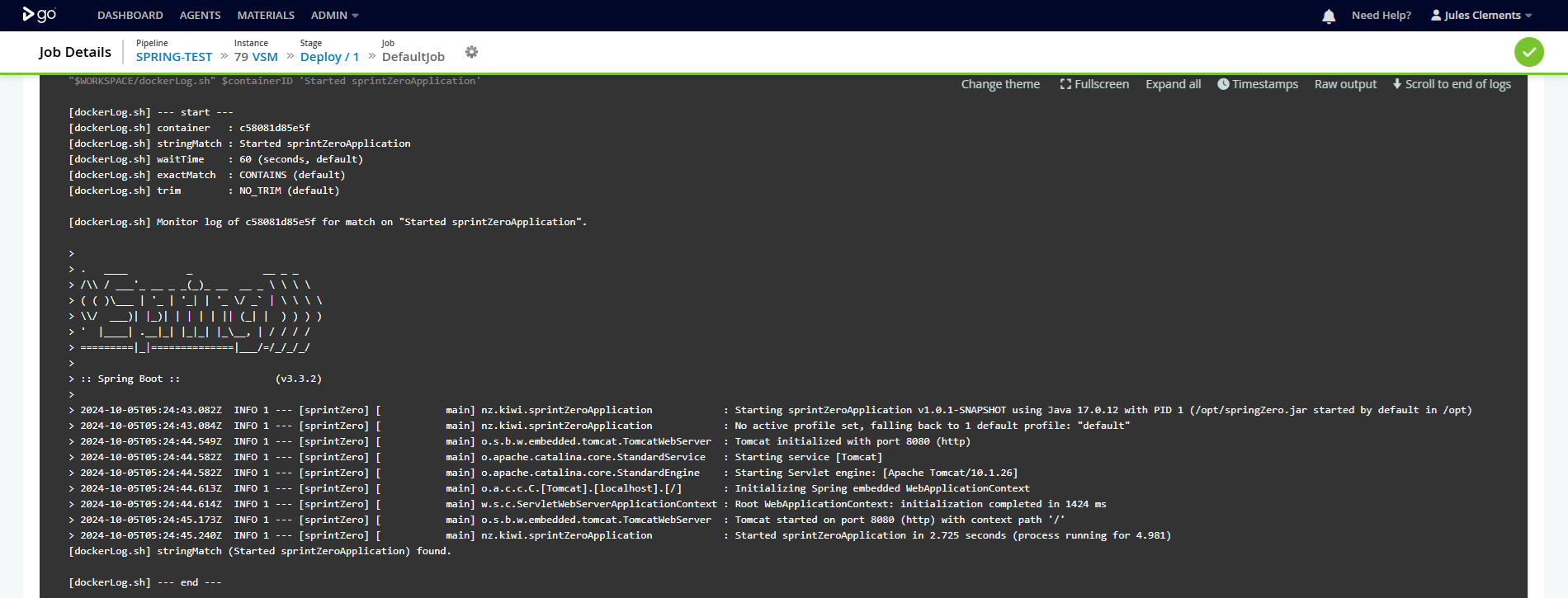
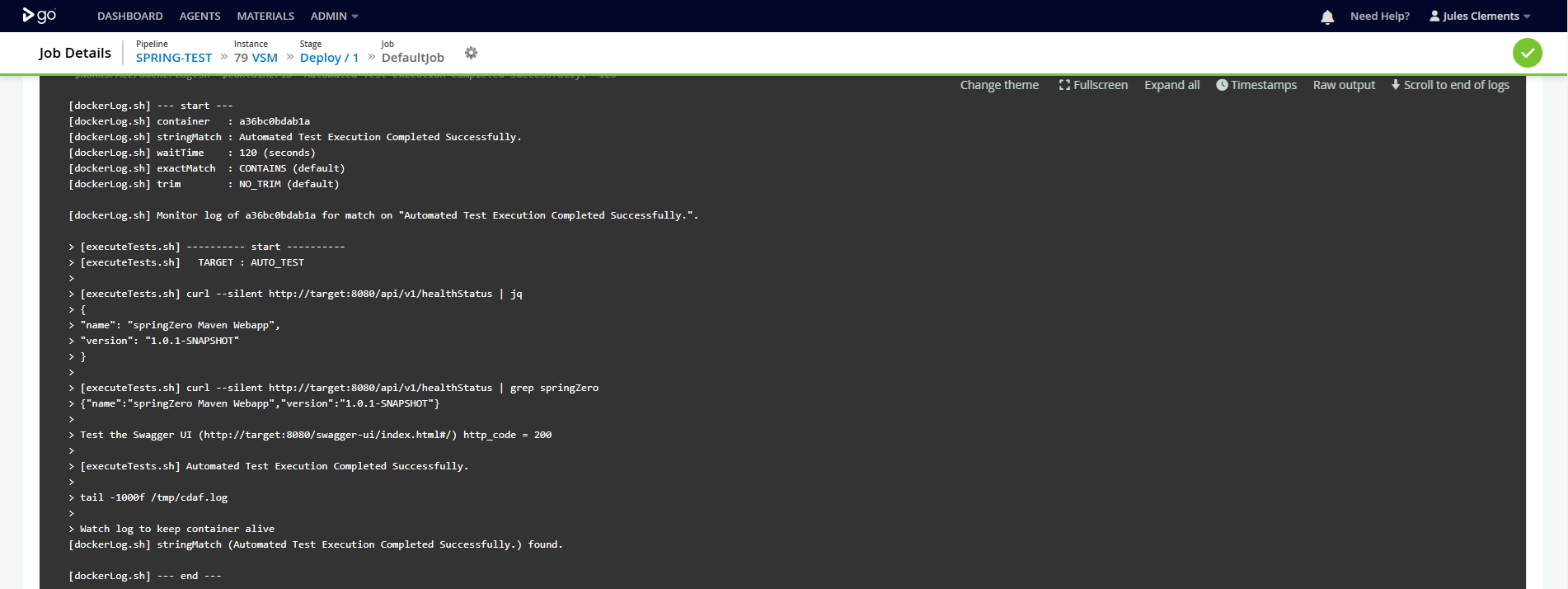
While this example does not delivery the software component imperatively, i.e. it is release declaratively via the Release Train, a Continuous Delivery stage is still performed, however this is a closed loop process, where docker-compose is used to stand-up a container instance from the image, stand-up another container to perform a smoke test, and then tear down the stack.
In this example, a React App, with Typescript, is built and package, then deployed to a Content Delivery Network. As there is no server side component to configure for environment differences, an alternate strategy is used.
As the application is static content, runtime variables are not applicable, however, variations in the application configuration at deploy time can, on occasions, be applicable, e.g. using a different Google Tag Manager (GTM) for production and non-production environments to ensure the analytics are not contaminated.
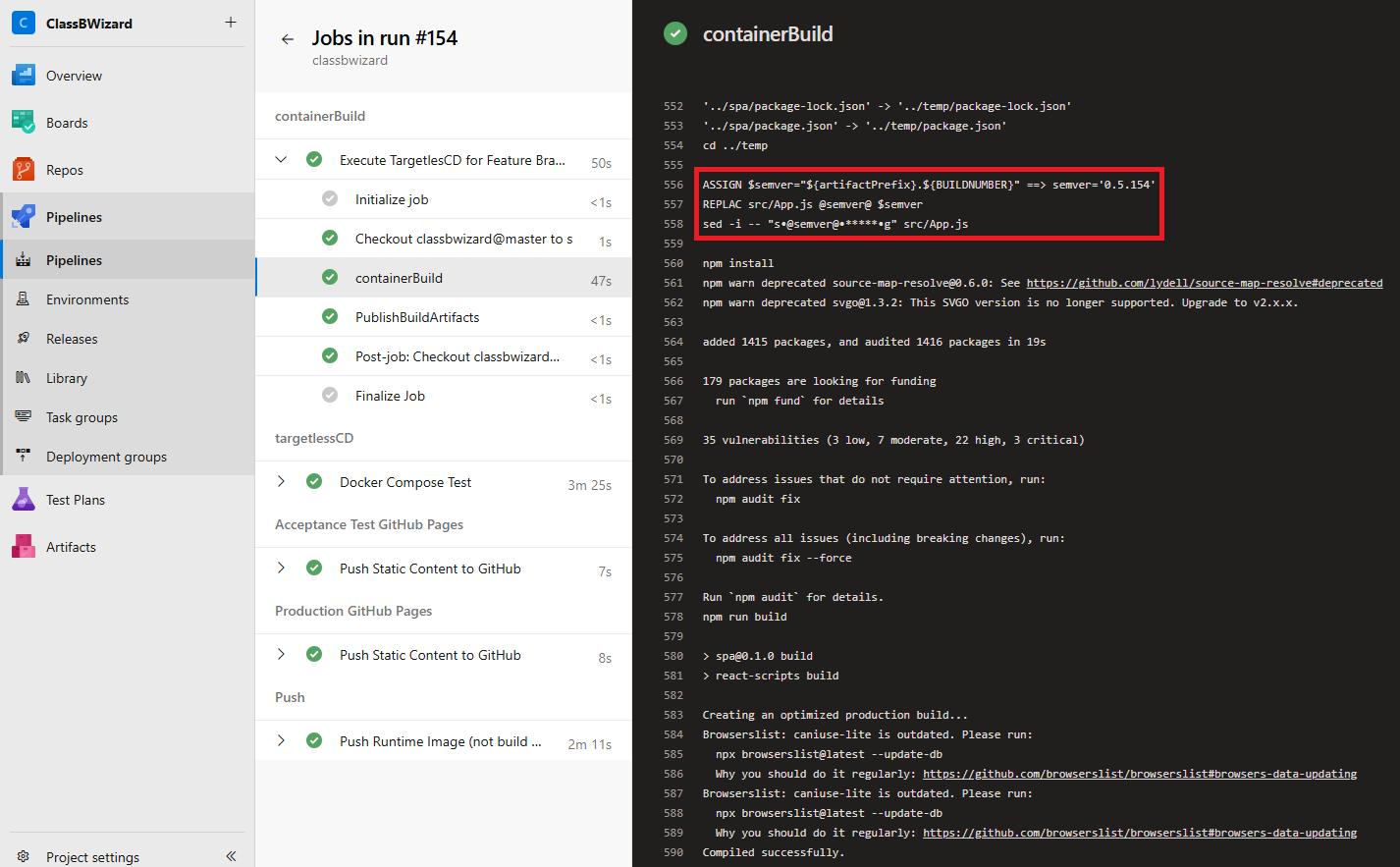
Within source control there are two tokens applied. The first is a build-time token, which captures the semantic version. This is constructed from a release prefix and build number. This ensure from a user/tester perspective, the running asset can be verified to build that created it.
The second token is the GTM ID, this is deploy-time token.
<!DOCTYPE html><htmllang="en"><head><!-- Google Tag Manager --><script>(function(w,d,s,l,i){w[l]=w[l]||[];w[l].push({'gtm.start':
new Date().getTime(),event:'gtm.js'});var f=d.getElementsByTagName(s)[0],
j=d.createElement(s),dl=l!='dataLayer'?'&l='+l:'';j.async=true;j.src=
'https://www.googletagmanager.com/gtm.js?id='+i+dl;f.parentNode.insertBefore(j,f);
})(window,document,'script','dataLayer','@gtm-id@');</script><!-- End Google Tag Manager -->
The primary driver file for CDAF is the CDAF.solution file. The directory containing this file is the SOLUTIONROOT. The mandatory properties are solutionName and artifactPrefix.
solutionName=classbwizardproductName=React Class B Recreational Vehicle Comparison ToolartifactPrefix=0.5
Build Process
The CDAF Execution Engine is used to reduce the cognitive load, allowing the engineer to focus on the primary objective, and not have to cater for logging, exception and error handling. In this example, the build.tsk file is not placed in the project sub-directory, instead this is placed in the solution root. The reason for this is that the project sub-directory is copied to a temporary directory for the build, because the source code is manipulated prior to the build and it this should not be mistakenly committed to source control.
Note the construction of semver, combined from source control major & minor version, with build number suffix to ensure version is unique and traceable.
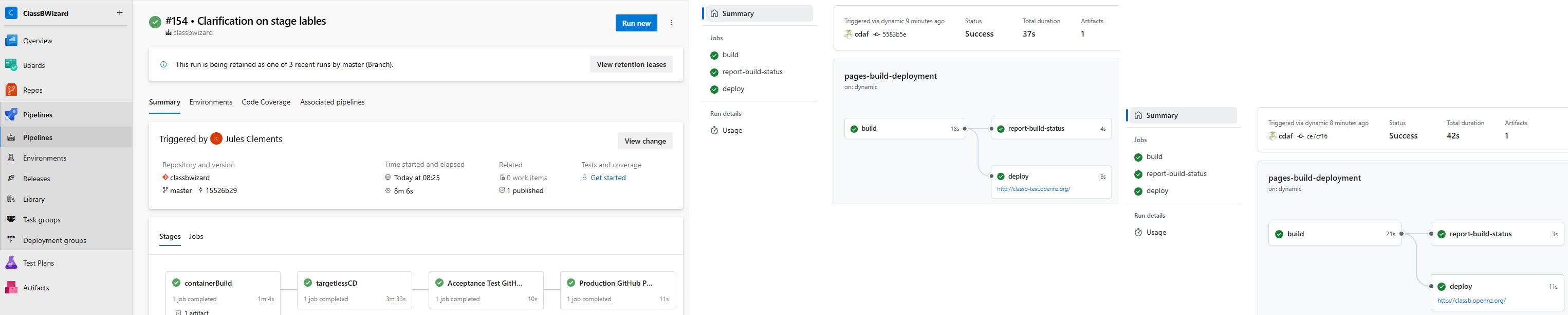
The continuous delivery has multiple phases, first is a closed-loop test, then are the runtime environments, which are promoted, starting with acceptance test.
Closed-Loop Test
This first delivery stage used docker-compose to stand-up, test and tear-down an environment. This environment is transient and not accessible by manual testers.
After the closed-loop tests have passed, then the deployment to user acceptance test is performed. In source control, the configuration management table defines the target environments and their GTM ID.
The GTM ID publicly accessible in the static content, and therefore does not need to be managed as a secret, i.e. can be plain text in source control.
context  target  deployTaskOverride       github_repo             gtm_id
local    TEST    push-static-content.tsk  classb-test.opennz.org  G-JM71HCEG2Q
local    PROD    push-static-content.tsk  classb.opennz.org       GTM-5VSBHSV
At deploy-time the GTM ID for the target environment is detonised in the static content before pushing it to the content delivery network CDN.
The release includes both the build-time and deploy-time detokenised content.