This approach implements the Autonomous Development, Authoritative Release principle, to orchestrate a full stack release, i.e. the automated coordination of Infrastructure as Code, Configuration Management and Application deployment.
This is an alternative implementation to How to Helm, using Terraform instead of Helm, but with the same core principles of runtime versioning and desired state, and the inclusion of the Kubernetes Infrastructure as Code, using a single language, i.e. Terraform.
The Application Stack can be defined once, and deployed many times into separate namespaces, e.g. development, test and production.
graph TD

  subgraph k8s["Kubernetes"]
    subgraph ns1["Dev namespace"]
      ns1-ingress["ingress"]
      subgraph ns1-pod-1["Pod"]
        ns1-con-a["container"]
      end
      subgraph ns1-pod-2["Pod"]
        ns1-con-b["container"]
        ns1-con-c["container"]
      end
    end
    subgraph ns2["Test namespace"]
      ns2-ingress["ingress"]
      subgraph ns2-pod-1["Pod"]
        ns2-con-a["container"]
      end
      subgraph ns2-pod-2["Pod"]
        ns2-con-b["container"]
        ns2-con-c["container"]
      end
    end
    subgraph ns3["Production namespace"]
      ns3-ingress["ingress"]
      subgraph ns3-pod-1["Pod"]
        ns3-con-a["container"]
      end
      subgraph ns3-pod-2["Pod"]
        ns3-con-b["container"]
        ns3-con-c["container"]
      end
    end
  end

  client -->
  ns1-ingress --> ns1-con-a
  ns1-ingress -->
  ns1-con-b --> ns1-con-c

  client -->
  ns2-ingress --> ns2-con-a
  ns2-ingress -->
  ns2-con-b --> ns2-con-c

  client -->
  ns3-ingress --> ns3-con-a
  ns3-ingress -->
  ns3-con-b --> ns3-con-c

classDef external fill:lightblue
class client external

classDef dashed stroke-dasharray: 5, 5
class ns1,ns2,ns3 dashed

classDef dotted stroke-dasharray: 2, 2
class ns1-pod-1,ns1-pod-2,ns2-pod-1,ns2-pod-2,ns3-pod-1,ns3-pod-2 dotted
The key component of the package is the release manifest, this declares the component versions of the solution. The desired state engine (Terraform) will ensure all components for the release align with the declaration in the manifest. These are added to your CDAF.solution file.
While the stack construction is the same in all environments, unique settings for each environment are defined in configuration management files, e.g. properties.cm. The properties management is covered in more detail in the Configuration Management section.
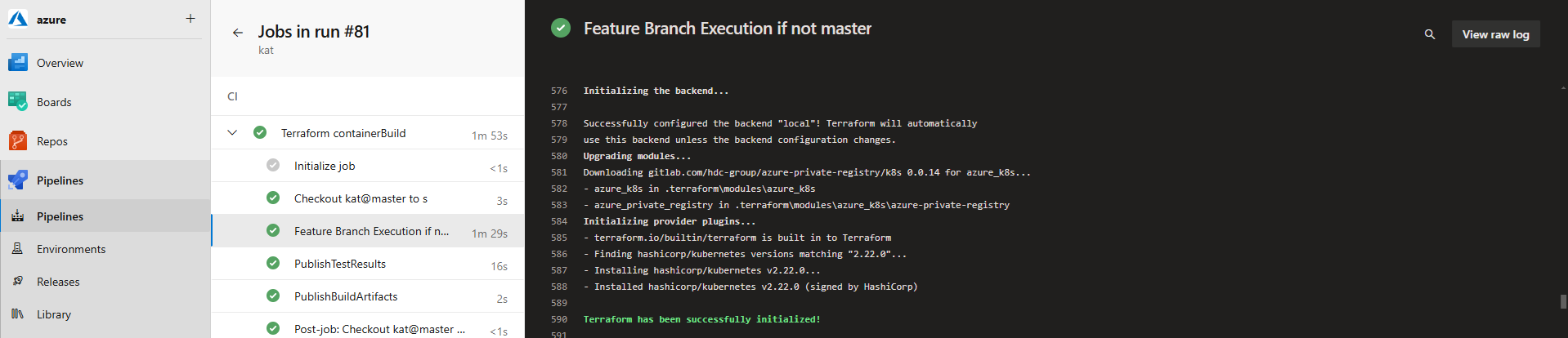
The key construct for the Authoritative Release is that all aspects of the release process are predictable and repeatable. To avoid deploy-time variations in Terraform dependencies, modules are not downloaded at deploy time; instead they are resolved at build time and packaged into an immutable release package. For a consistent way-of-working, the Terraform build process resolves and validates dependencies.
Build-time Module Resolution
Most Terraform module resolution approaches are to pull from source control (Git) or registry at deploy-time, which can require additional credential management, risk unexpected module changes (if tags are used), and introduce potential network connectivity issues. This approach treats modules like software dependencies: resolve them at build time and include them in an all-in-one immutable package.
The following state.tf defines the modules and versions that are required
The following build.tsk triggers module download from a private registry using credentials in TERRAFORM_REGISTRY_TOKEN; these credentials will not be required at deploy time.
Write-Host "[$TASK_NAME] Verify Version`n" -ForegroundColor Cyan
terraform --version
VARCHK
MAKDIR $env:APPDATA\terraform.d
$conf = "$env:APPDATA\terraform.d\credentials.tfrc.json"Set-Content $conf '{'Add-Content $conf ' "credentials": {'Add-Content $conf ' "app.terraform.io": {'Add-Content $conf " `"token`": `"$env:TERRAFORM_REGISTRY_TOKEN`""Add-Content $conf ' }'Add-Content $conf ' }'Add-Content $conf '}'Get-Content $conf
Write-Host "[$TASK_NAME] Log the module registry details`n" -ForegroundColor Cyan
Get-Content state.tf
Write-Host "[$TASK_NAME] In a clean workspace, first init will download modules, then fail, ignore this and init again"if ( ! ( Test-Path ./.terraform/modules/azurerm )) { IGNORE "terraform init -upgrade -input=false" }
Write-Host "[$TASK_NAME] Initialise with local state storage and download modules`n" -ForegroundColor Cyan
terraform init -upgrade -input=false
The trick to use the downloaded, local copy of the modules, is to reference the opinionated location of resolved modules, i.e. ./.terraform/modules/${module_declaration_above}/${registry_name}, as per the following example:
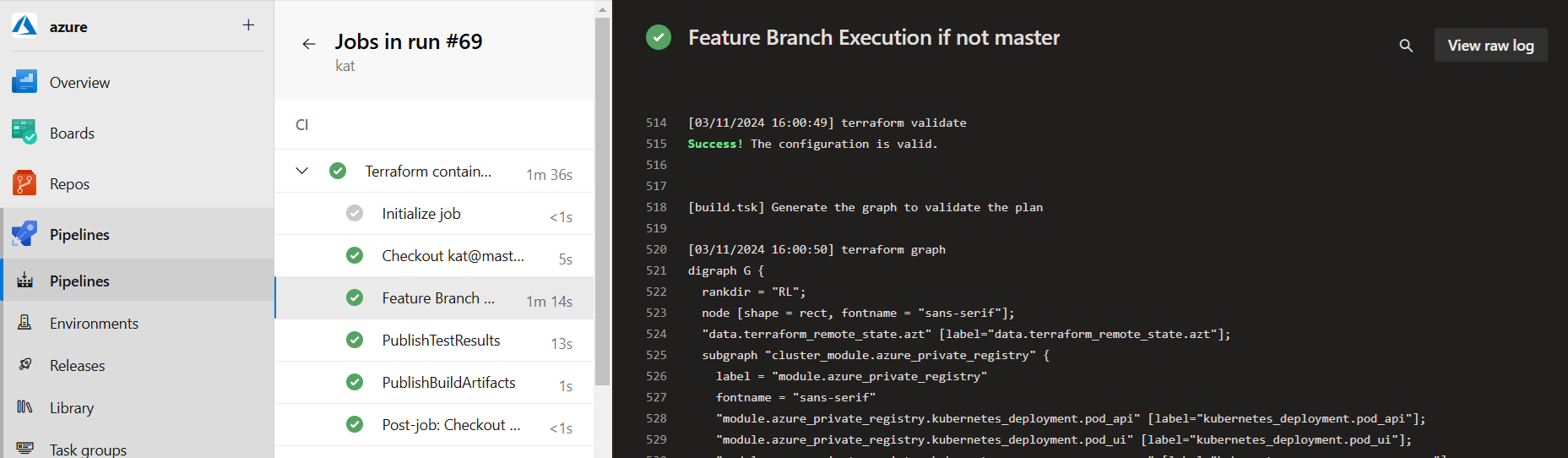
Once all modules have been downloaded, syntax is then validated.
Write-Host "[$TASK_NAME] Validate Syntax`n" -ForegroundColor Cyan
terraform validate

Write-Host "[$TASK_NAME] Generate the graph to validate the plan`n" -ForegroundColor Cyan
terraform graph
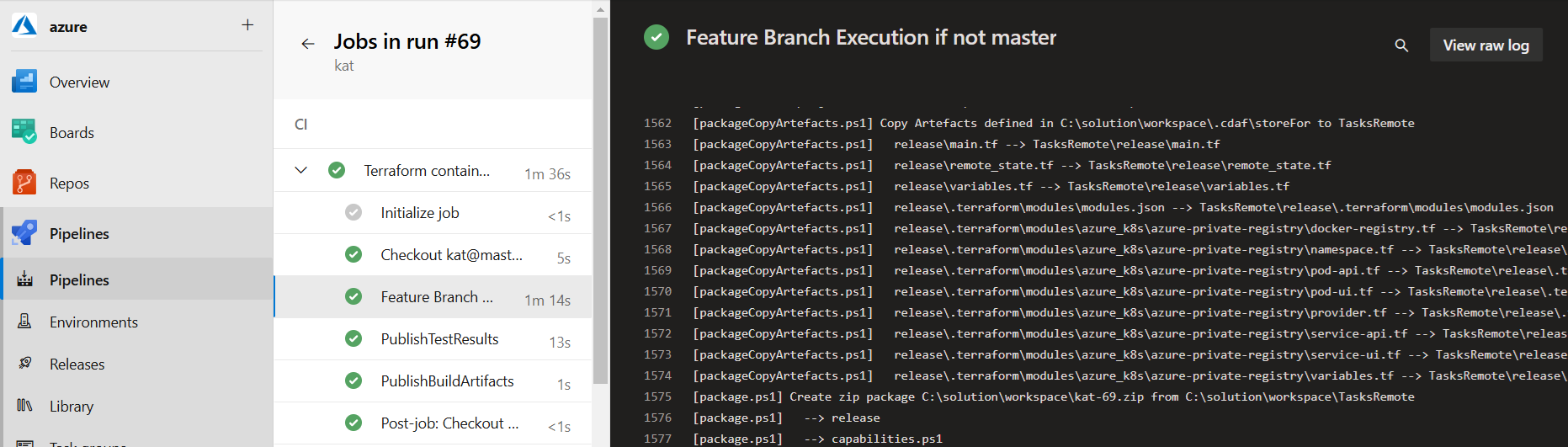
Once validated, copy the modules and your .tf files to a release directory, as outlined below, with consideration of numeric token substitution.
Numeric Token Handling
All the deploy-time files are copied into the release directory. Because tokens cannot be used during the build process, an arbitrary numeric is used, and this is then replaced in the resulting release directory. Tokenisation is covered in more detail in the following section.
The deploy-time components are then copied into the release package, based on the storeFor definition in your solution directory.
# Tokenised Terraform Files
release
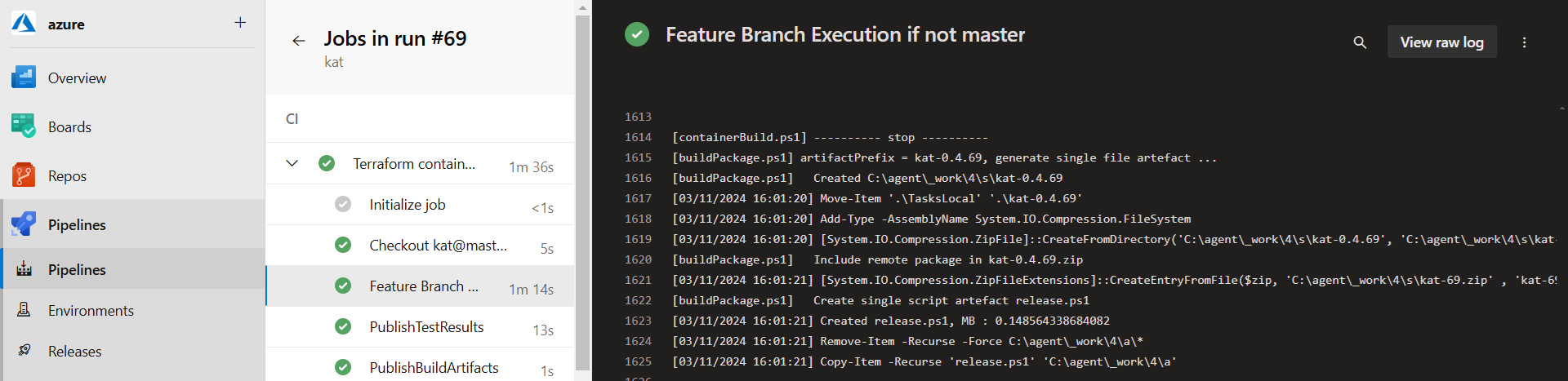
The modules and helper scripts are then packed into a self-extracting release executable as per standard CDAF release build process
Deploy Time
The build-time state.tf file is replaced at deploy time, replacing the declaration of local storage and removing the build-time module dependencies in your .tsk file.
To De-tokenise this definition at deploy time, name/value pair files are used. This allows the settings to be decoupled from the complexity of configuration file format.
If these were to be stored as separate files in source control, they would suffer the same drift challenge, so in source control, the settings are stored in a tabular format, which is compiled into the name/value files during the Continuous Integration process.
target  aks_work_space  name_space  REGISTRY_KEY       REGISTRY_KEY_SHA
TEST    aks_prep        test        $env:REGISTRY_KEY  FD6346C8432462ED2DBA6...
PROD    aks_prod        prod        $env:REGISTRY_KEY  CA3CBB1998E86F3237CA1...
Note: environment variables can be used for dynamic value replacement, most commonly used for secrets.
These human readable configuration management tables are transformed to computer friendly format and included in the release package (release.ps1). The REGISTRY_KEY and REGISTRY_KEY_SHA are used for Variable Validation, creating a properties.varchk as following
env:REGISTRY_KEY=$env:REGISTRY_KEY_SHA
Write the REGISTRY_KEY_SHA aa a container environment variable, so that when SHA changes, the container is automatically restarted to pick up the environment variable change, and hence the corresponding secret is also reloaded.
env {
  name = "REGISTRY_KEY_SHA"
  value = var.REGISTRY_KEY_SHA
}
An additional benefit of this approach is that when diagnosing an issue, the SHA can be used as an indicative secret verification.
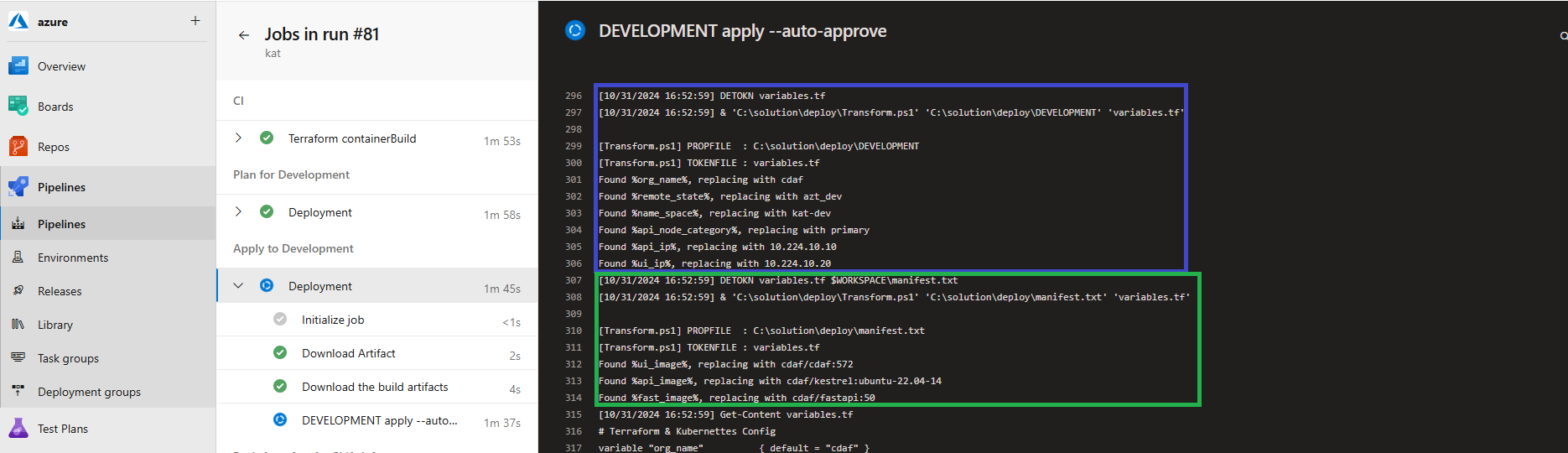
To support the build-once/deploy-many model, the environment specific values are injected and then deployed for the release. Note that the release is immutable, and any change to any component will require a new release to be created, eliminating cherry picking. The tasksRun.tsk performs two levels of detokenisation, the first is for environment specific settings, and the second applies any solution level declarations.
Environment (TARGET) specific de-tokenisation is blue, and solution level de-tokenisation in green:
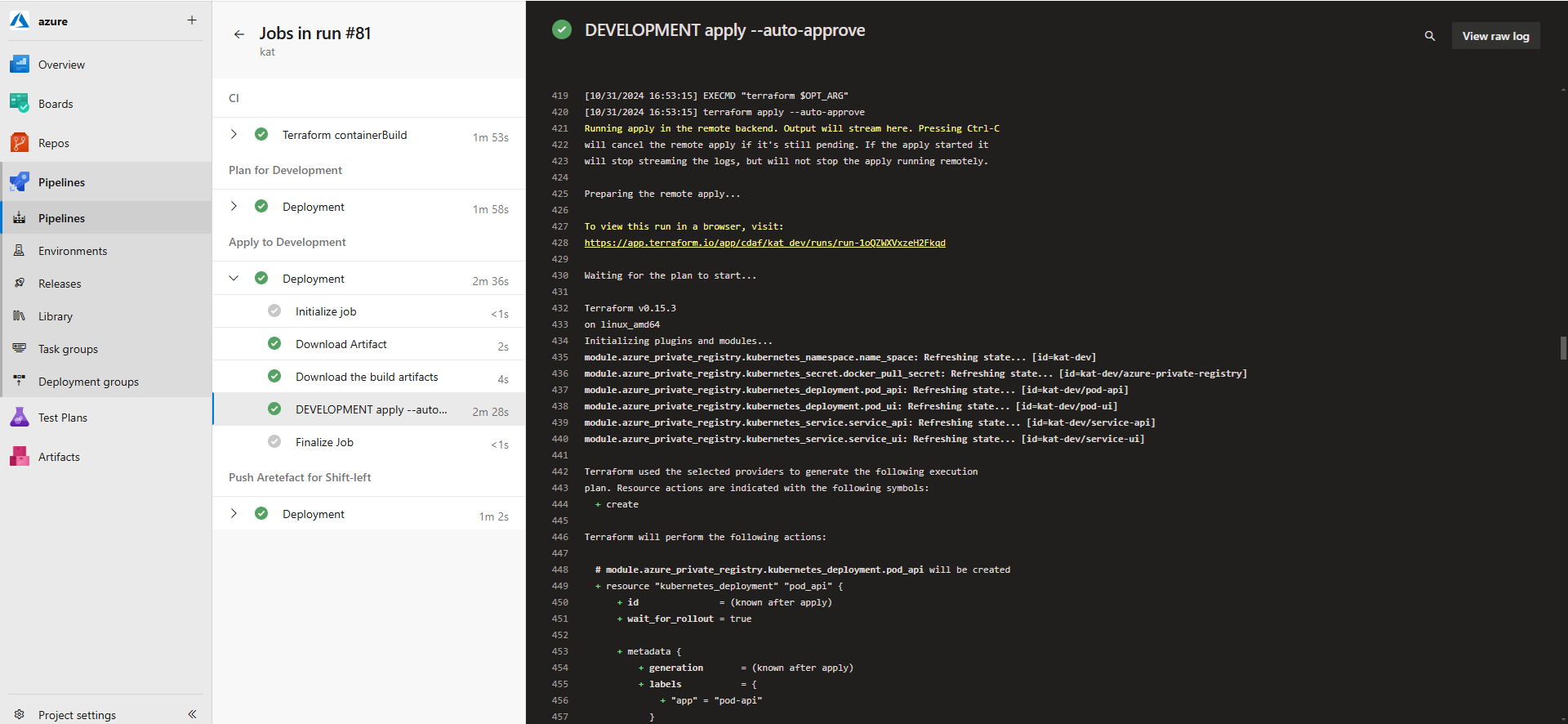
Terraform Cloud is being used to perform state management. To avoid false negative reporting on Terraform apply, the operation is performed in a CMD shell.