Full Stack Release using Ansible Automation Platform
Ansible Automation Platform is the replacement for Ansible Tower.
The Application Stack is a combination of Podman containers with an Apache reverse proxy for ingress.
This implementation does not include infrastructure, i.e. the creation of the host and related networking is not included in the automation, however, it does combine configuration management and software delivery.
graph TD
  client["🌐"]:::transparent

  subgraph dc["Data Center"]
    subgraph vm["Host"]
      Apache
      subgraph Podman
        vm1-con-a["Rails"]
        vm1-con-b["Spring"]
        vm1-con-c["Python"]
      end
    end
  end

  client -->
  Apache --> vm1-con-a
  Apache --> vm1-con-b
  Apache --> vm1-con-c

classDef transparent fill:none,stroke:none,color:black

classDef dashed stroke-dasharray: 5, 5
class dc dashed

classDef dotted stroke-dasharray: 2, 2
class Podman dotted
The configuration of the host and deployment of the application are defined once, and deployed many times, e.g. test and production.
graph LR

  subgraph Rails
    Rbuild["Build"] -->
    Rtest["Test"] -->
    Rpublish["Publish"]
  end
  subgraph Python
    Pbuild["Build"] -->
    Ptest["Test"] -->
    Ppublish["Publish"]
  end
  subgraph Spring
    Sbuild["Build"] -->
    Stest["Test"] -->
    Spublish["Publish"]
  end

  subgraph Release
    TEST:::release
    PROD:::release
  end

  store1[(GitLab Docker Registry)]
  store2[(Nexus Docker Registry)]

  Rpublish --> store1
  Spublish --> store1
  Ppublish --> store2
  store1 --> TEST
  store2 --> TEST
  TEST --> PROD

classDef release fill:lightgreen
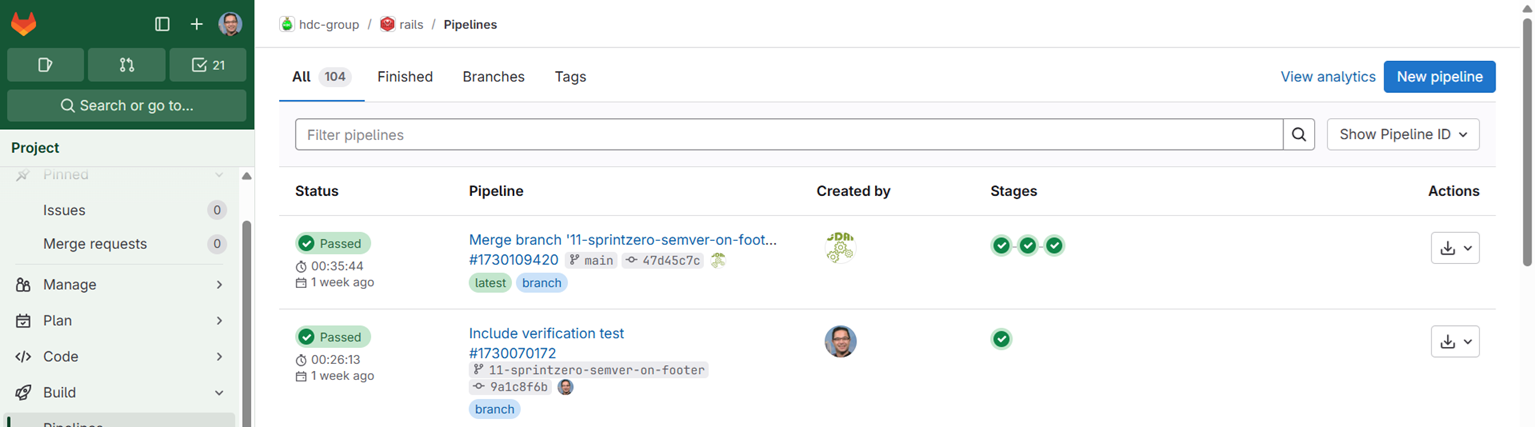
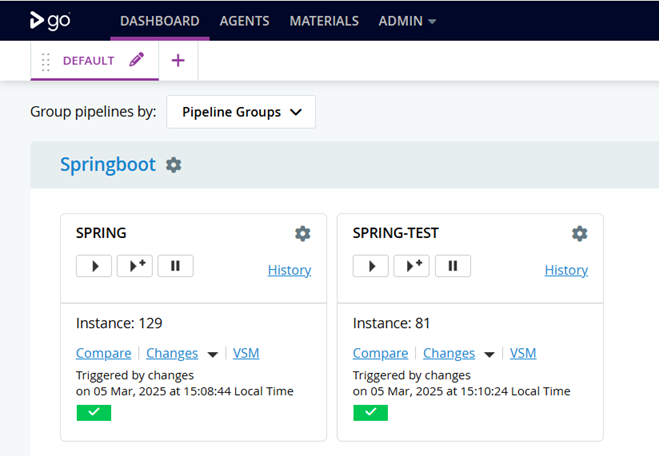
Each development team is responsible to publishing a container image, how they do so it within their control, in this example GitLab and ThoughtWorks Go are used by different teams. The GitLab team are branch based, while the Go team are branch based.
Both teams are using CDAF docker image build and push helpers.
The key component of the package is the release manifest, this declares the component versions of the solution. The desired state engine (Ansible) will ensure all components for the release align with the declaration in the manifest. These are added to your CDAF.solution file. To see an example component build, see the Java SpringBoot example.
While that stack construction is the same in all environments, unique settings for each environment are defined in configuration management files, e.g. properties.cm.
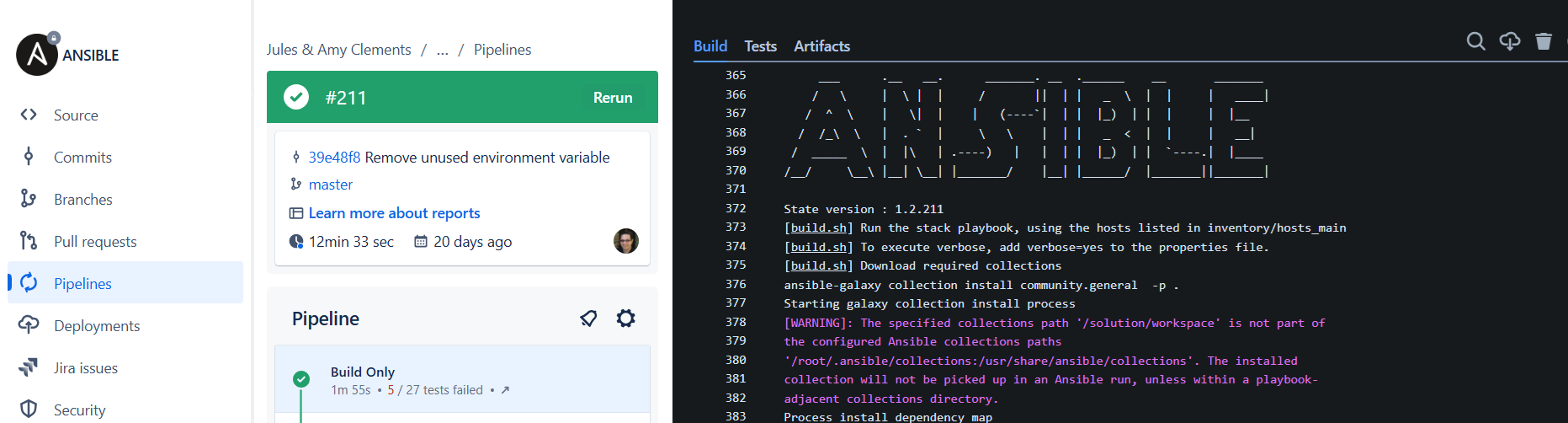
The key construct for the Release Train is that all aspects of the release process are predictable and repeatable. To avoid deploy-time variations in Ansible dependencies, playbooks are not downloaded at deploy time; instead they are resolved at build time and packaged into an immutable release package. For a consistent way-of-working, the Ansible build process resolves dependencies and validates the playbooks.
Due to the complexity, a customer build script build.sh is defined, and broken down into the steps below
Sprint Zero
Based on Sprint-Zero, it is critical that a deployment is verifiable by version. A message of the day (motd) file is generated with the build number included so that a user who logs in to the host can verify what version has been applied.
executeExpression "ansible-playbook --version"echo "[$scriptName] Build the message of the day verification file"; echo
executeExpression "cp -v devops/motd motd.txt"propertiesList=$(eval "$AUTOMATIONROOT/remote/transform.sh devops/CDAF.solution")printf "$propertiesList"eval $propertiesList
cat >> motd.txt <<<"State version : ${artifactPrefix}.${BUILDNUMBER}"cat motd.txt
Resolve Dependencies
Playbooks are then downloaded to the release.
common_collections='community.general ansible.posix containers.podman'for common_collection in $common_collections; do executeExpression "ansible-galaxy collection install $common_collection$force_install -p ."done
Validation
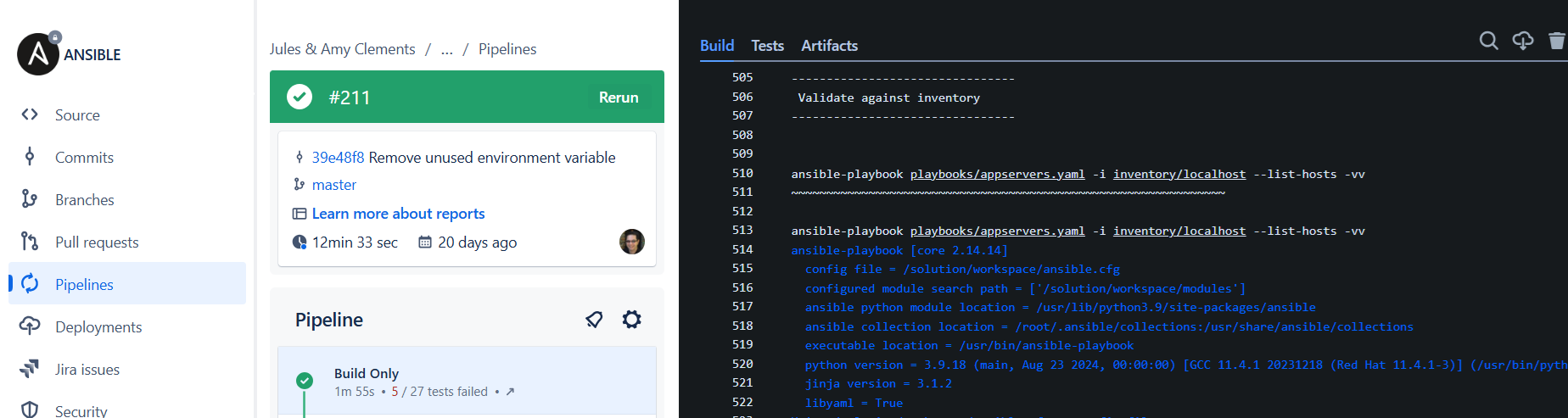
Once all playbooks have been downloaded, syntax is then validated.
for play in `find playbooks/ -maxdepth 1 -type f -name '*.yaml'`; do
	executeExpression "ansible-playbook $play --list-tasks -vv"
	for inventory in `find inventory/ -maxdepth 1 -type f`; do
		echo
		echo "ansible-playbook ${play} -i $inventory --list-hosts -vv"
		echo "~~~~~~~~~~~~~~~~~~~~~~~~~~~~~~~~~~~~~~~~~~~~~~~~~~~~~~~~~~~~~~"
		echo
		executeExpression "ansible-playbook ${play} -i $inventory --list-hosts -vv"
	done
done
Release Package
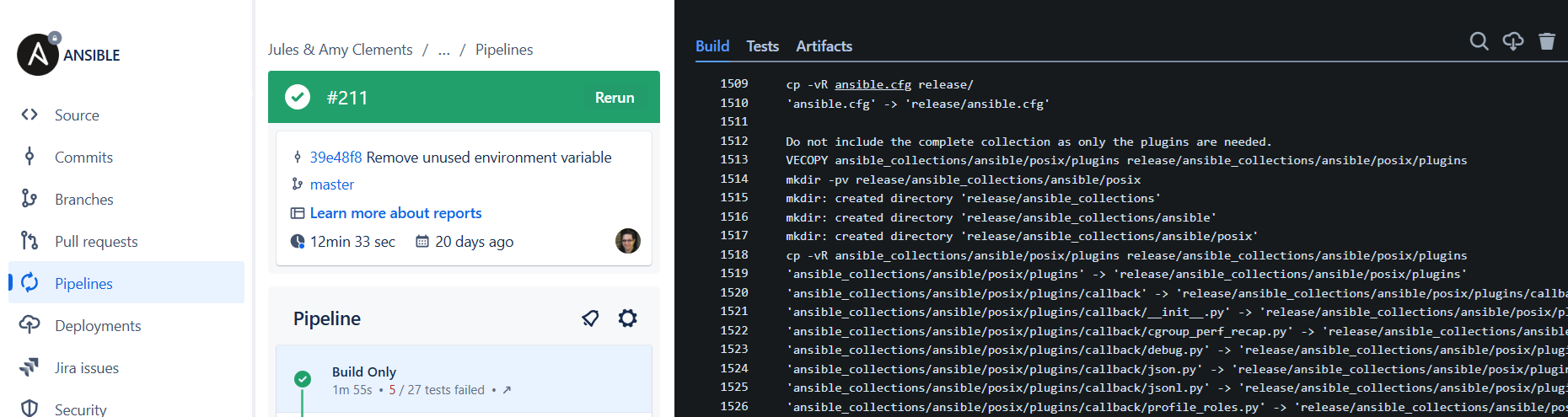
The deploy-time components are then copied into the release package, based on the storeFor definition in your solution directory.
# All Deploy-time Playbooks
release
The playbooks and helper scripts are then packed into a self-extracting release executable as per standard CDAF release build process
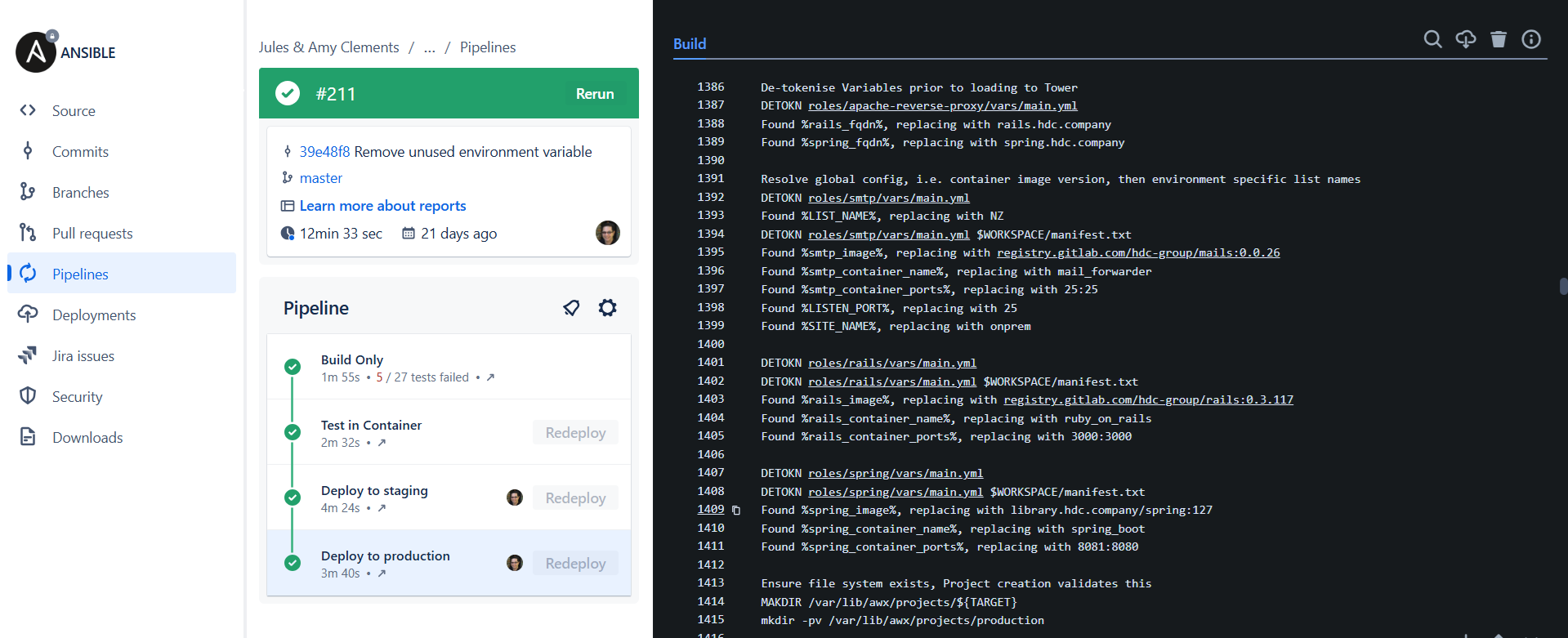
At deploy time, the solution manifest and environment settings are applied, the following is an extract from the tower.tsk.
echo "De-tokenise Environment properties prior to loading to Tower"
DETOKN roles/apache-reverse-proxy/vars/main.yml

echo "Resolve global config, i.e. container image version, then environment specific list names"
DETOKN roles/smtp/vars/main.yml
DETOKN roles/smtp/vars/main.yml $WORKSPACE/manifest.txt

DETOKN roles/rails/vars/main.yml
DETOKN roles/rails/vars/main.yml $WORKSPACE/manifest.txt

DETOKN roles/spring/vars/main.yml
DETOKN roles/spring/vars/main.yml $WORKSPACE/manifest.txt
As the Ansible Automation Platform is the intermediary, the declarations need to be moved to intermediary and then the release triggered. In this example, the desired state is continually apply to remediate any drift, but can also be triggered via a command line interface (CLI). The following extract from towerTemplate.sh sets up the configuration
templateID=$(tower-cli job_template list -n "${name}" -f id)
if [ -z $templateID ]; then
	executeExpression "tower-cli job_template create --name '${name}' --inventory '${inventory}' --project '${project}' --playbook '${playbook}' --verbosity more_verbose"
else
	executeExpression "tower-cli job_template modify --name '${name}' --inventory '${inventory}' --project '${project}' --playbook '${playbook}' --verbosity more_verbose"
fi

for credential in $credentials; do
	executeExpression "tower-cli job_template associate_credential --job-template '${name}' --credential ${credential}"
done
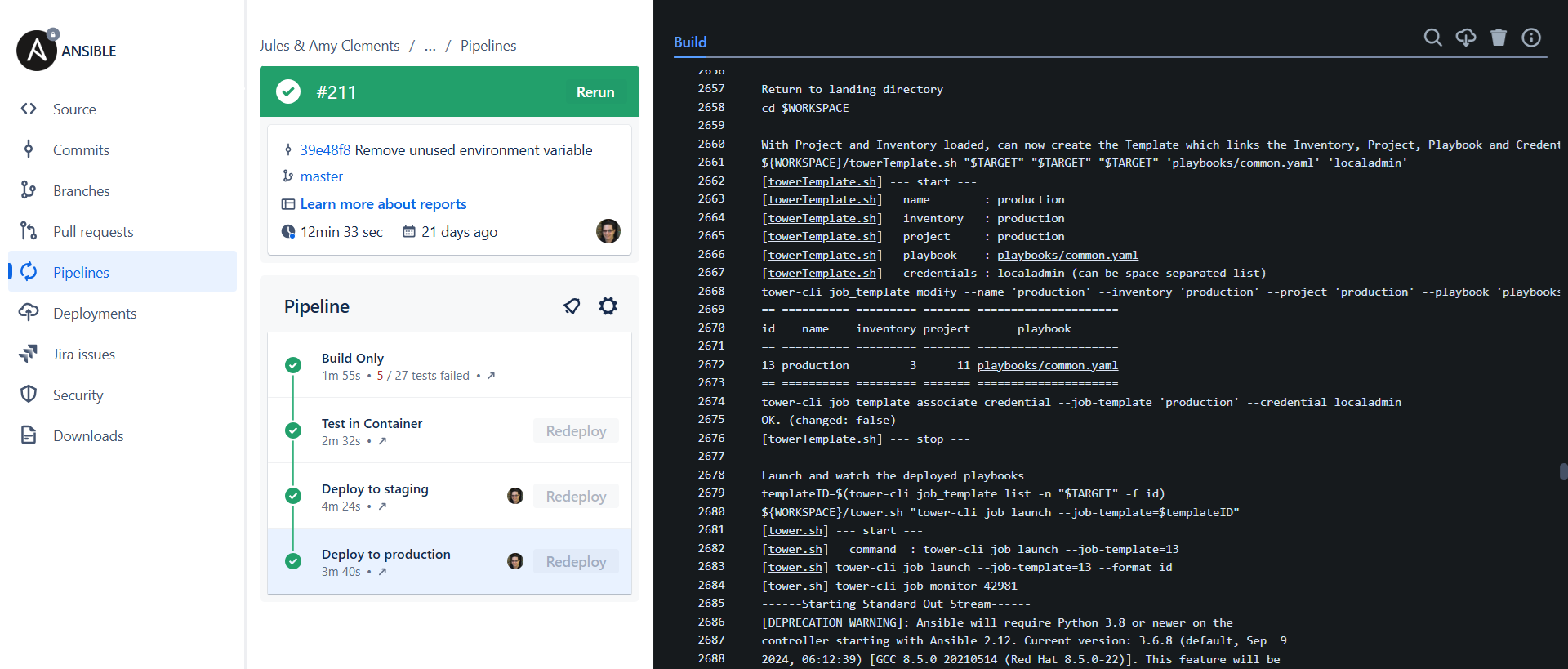
once configured, the deployment is triggered.
echo "With Project and Inventory loaded, can now create the Template which links the Inventory, Project, Playbook and Credentials"
${WORKSPACE}/towerTemplate.sh "$TARGET" "$TARGET" "$TARGET" 'playbooks/common.yaml' 'localadmin'

echo "Launch and watch the deployed playbooks"
templateID=$(tower-cli job_template list -n "$TARGET" -f id)
tower-cli job launch --job-template=$templateID
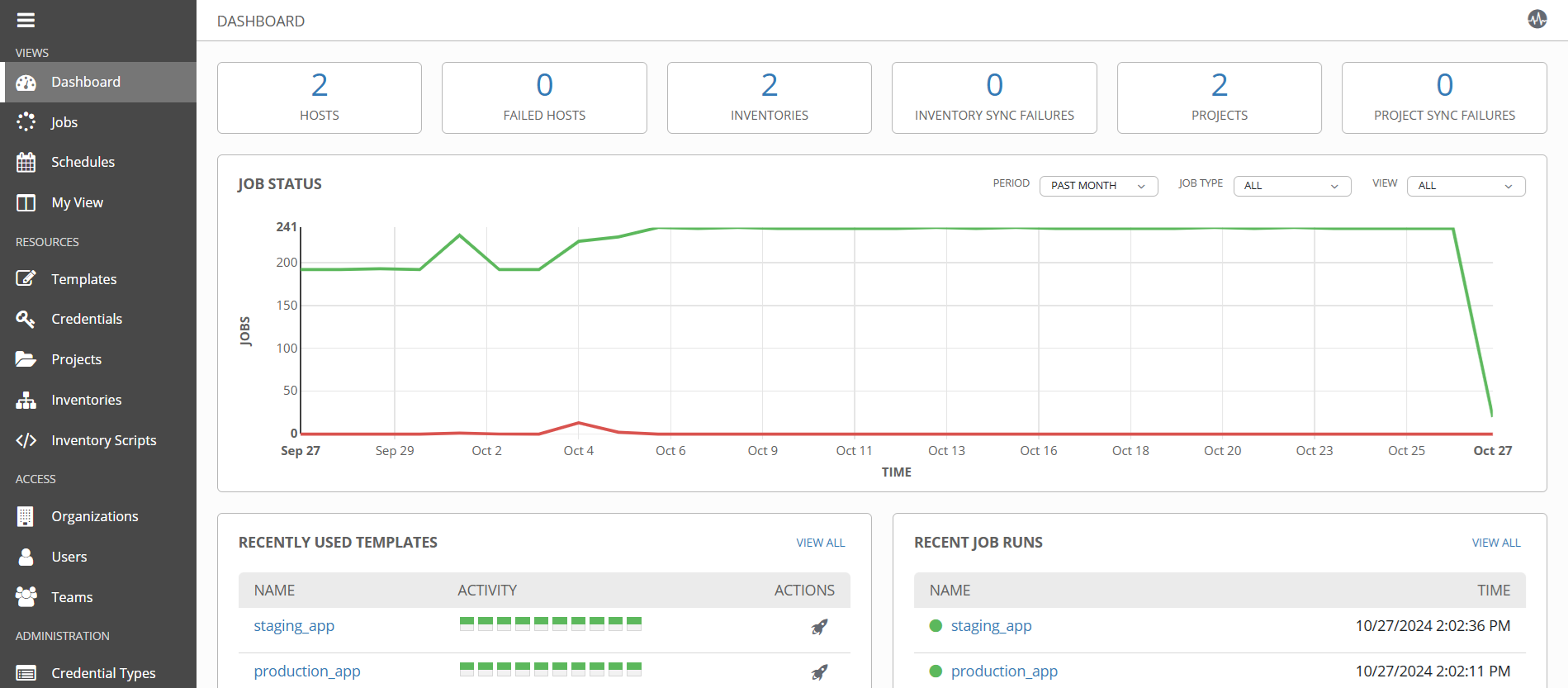
An overview of deployment activity and state management is available in the intermediary user interface.