This example provides desired state management to the MuleSoft Anypoint CloudHub 2 platform. As at time of writing, a Terraform provider existed, but was incomplete, having no mechanism to deploy the runtime.
The application stack is made up of individual API definitions, each paired with a runtime component.
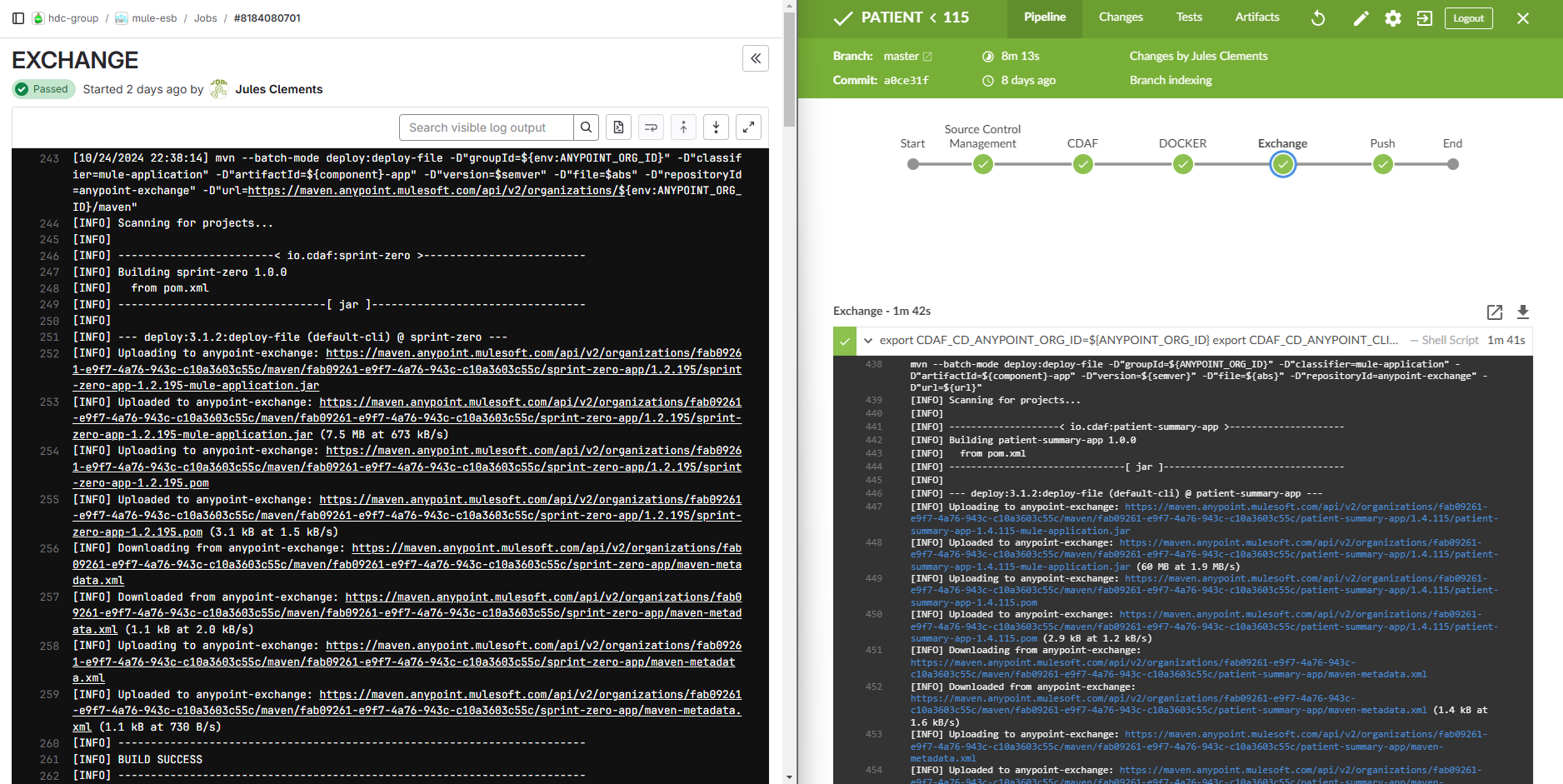
The proprietary Mulesoft Anypoint Platform artefact store is called Exchange, and each artefact is called an Asset. Each asset is pushed to the exchange from the autonomous development pipelines. In the examples below, these are GitLab for Windows and Jenkins for Linux. Both use platform independent Maven deploy to push the asset.
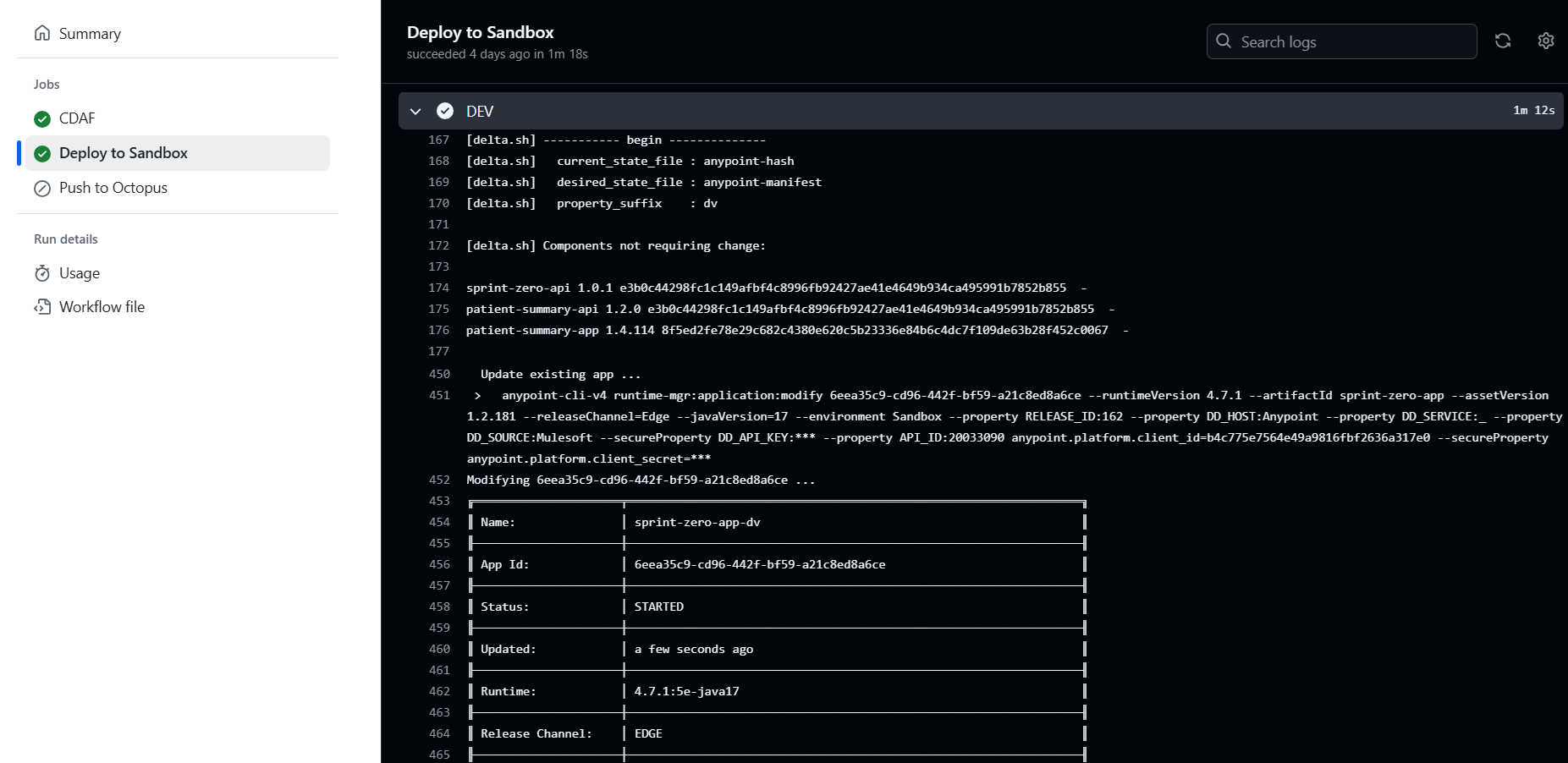
The release declaration is in the form of a manifest, specifying each desired component and it’s version.
API                        Runtime
sprint-zero-api=1.0.1      sprint-zero-app=1.2.195
patient-summary-api=1.2.0  patient-summary-app=1.4.114
While the stack construction is the same in all environments, unique settings for each environment are defined in configuration management files, e.g. properties.cm. The properties management is covered in more detail in later sections.
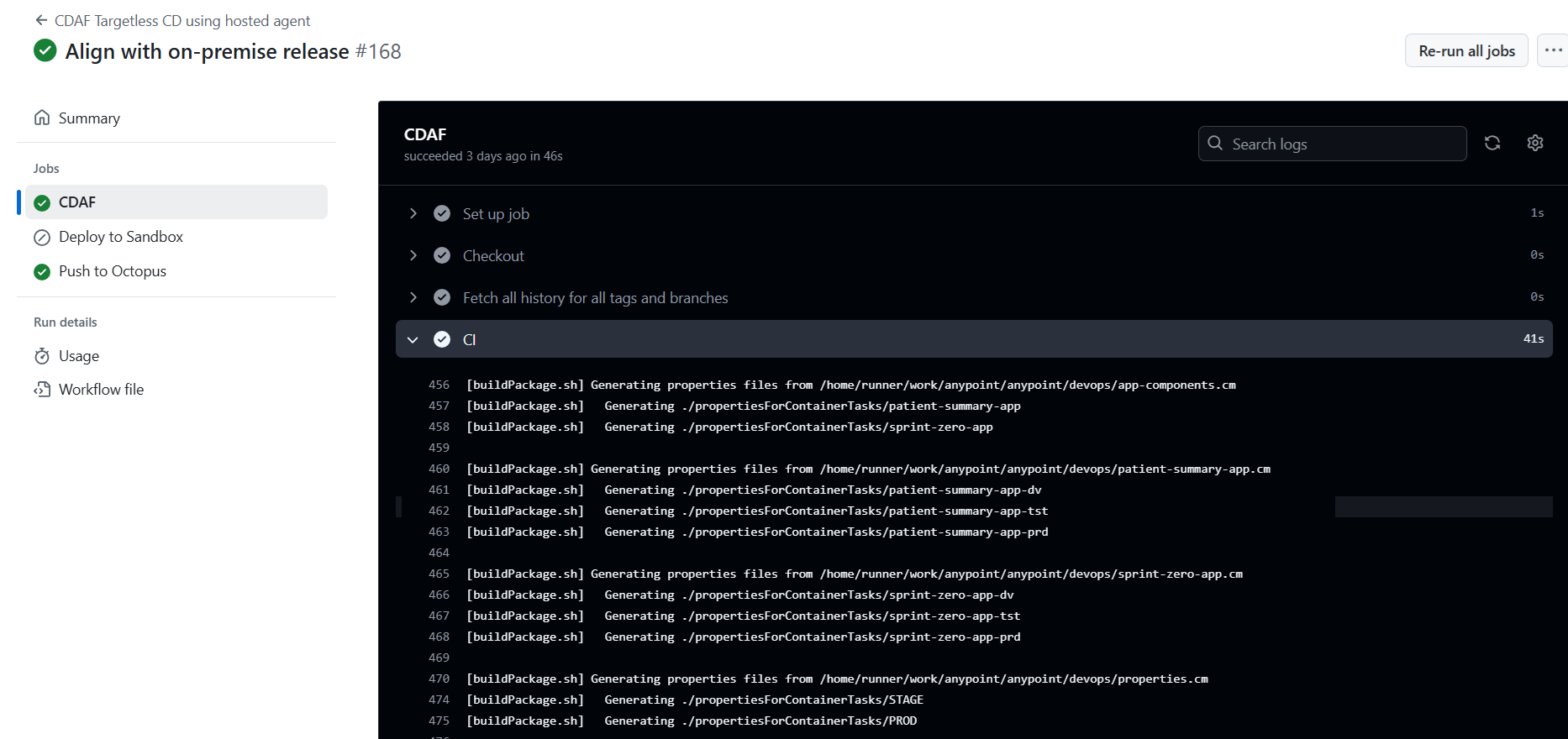
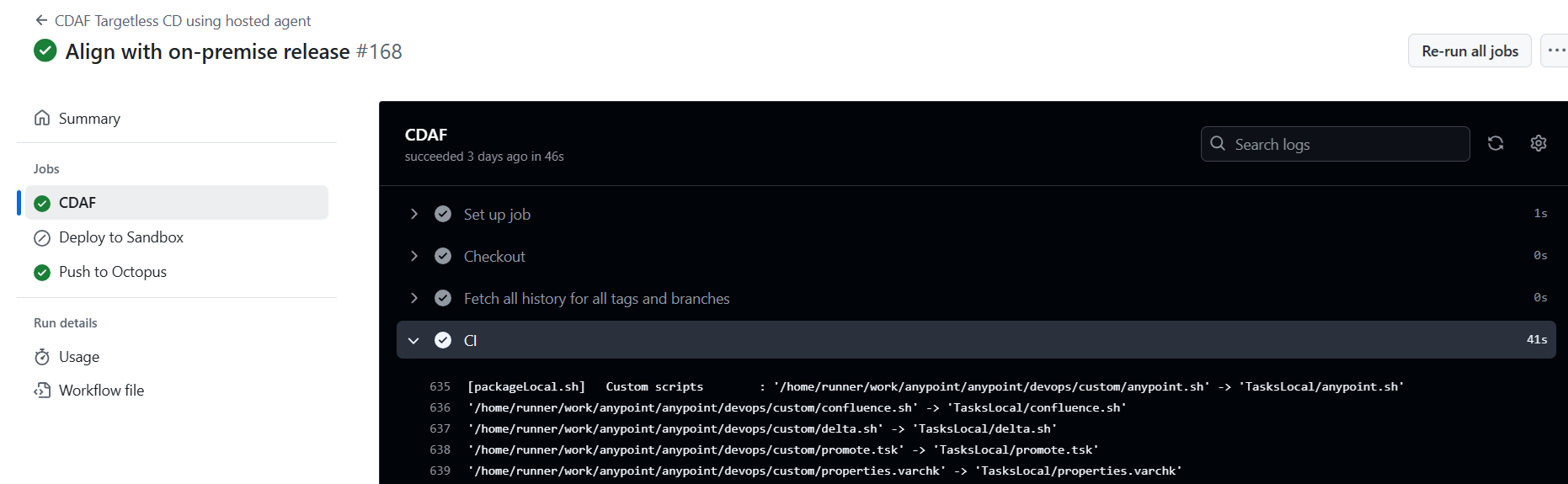
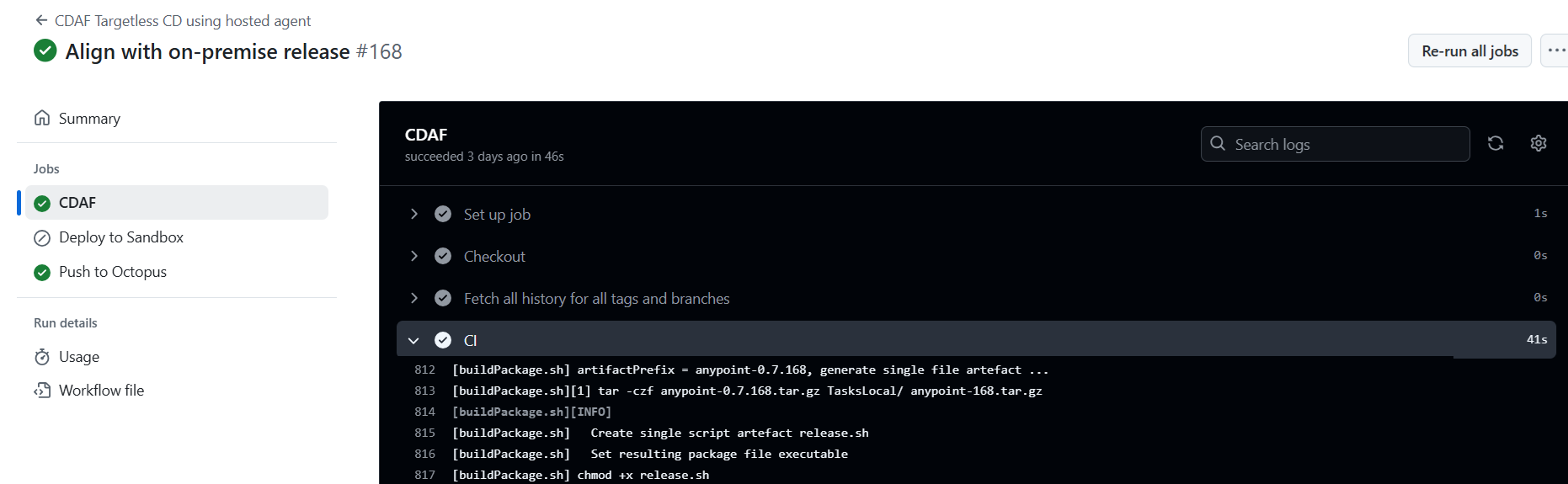
The key construct for the Authoritative Release is that all aspects of the release process are predictable and repeatable. Configuration and helper scripts are packaged into an immutable release. No build process is required, so the minimal CDAF.solution is all that is required, assuming the custom state management is placed in the custom directory within the solution directory, e.g.
The application and environment settings are split into separate configuration management files. Application settings are those which have the same value, for the release, in all environments.
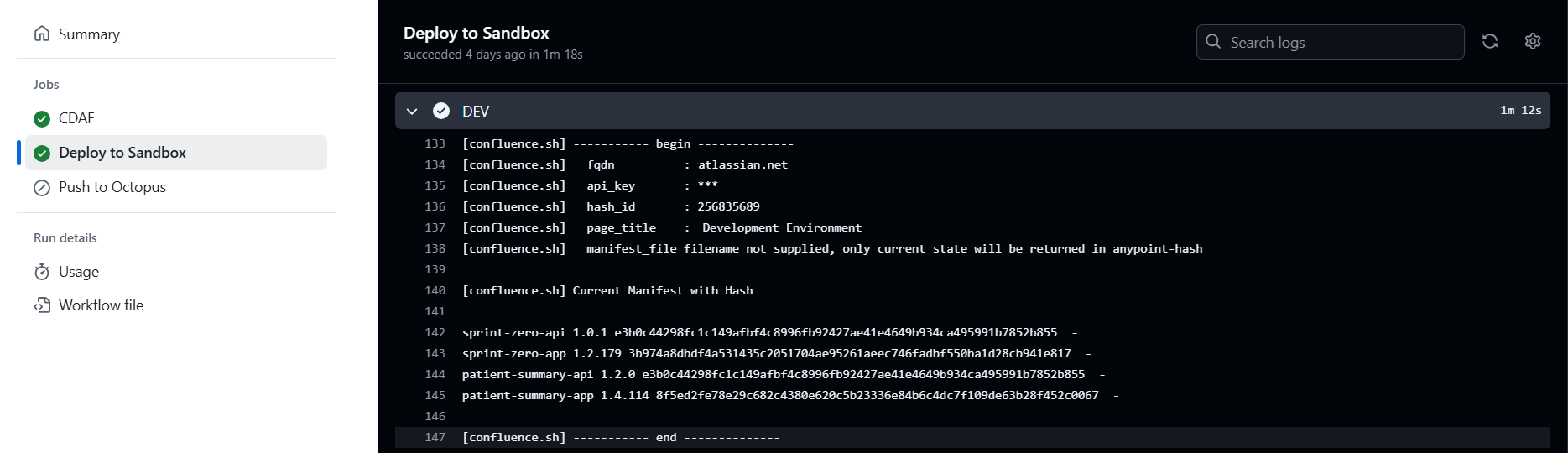
At deploy time, an array is constructed combining the application settings and the environment properties. A SHA-256 hash is generated from each array, to provide an identification mechanism of state, without disclosing any of the settings, some of which maybe sensitive.
After deployment, these are persisted. In this example, they are stored in an Atlassian Confluence page. The advantage of this is that if it is desired to reset an environment after suspected manual interference, the record(s) can be deleted and the deployment rerun.
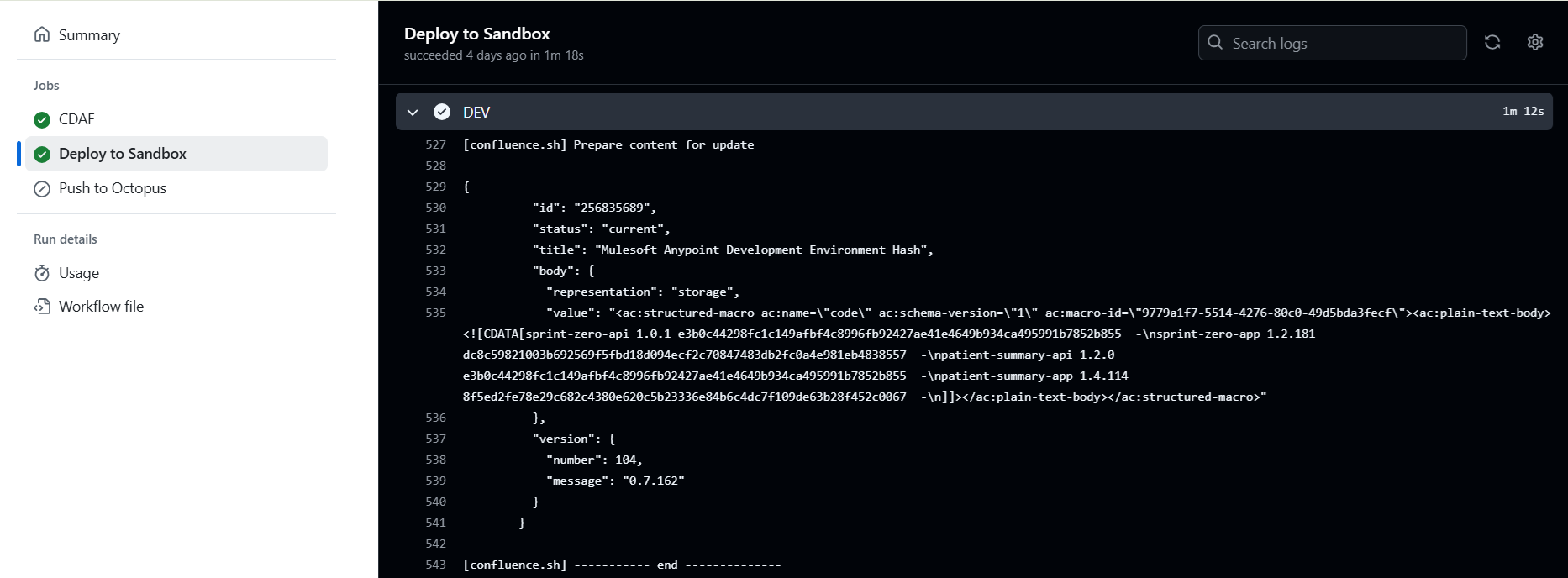
Once complete, the new current state is persisted.
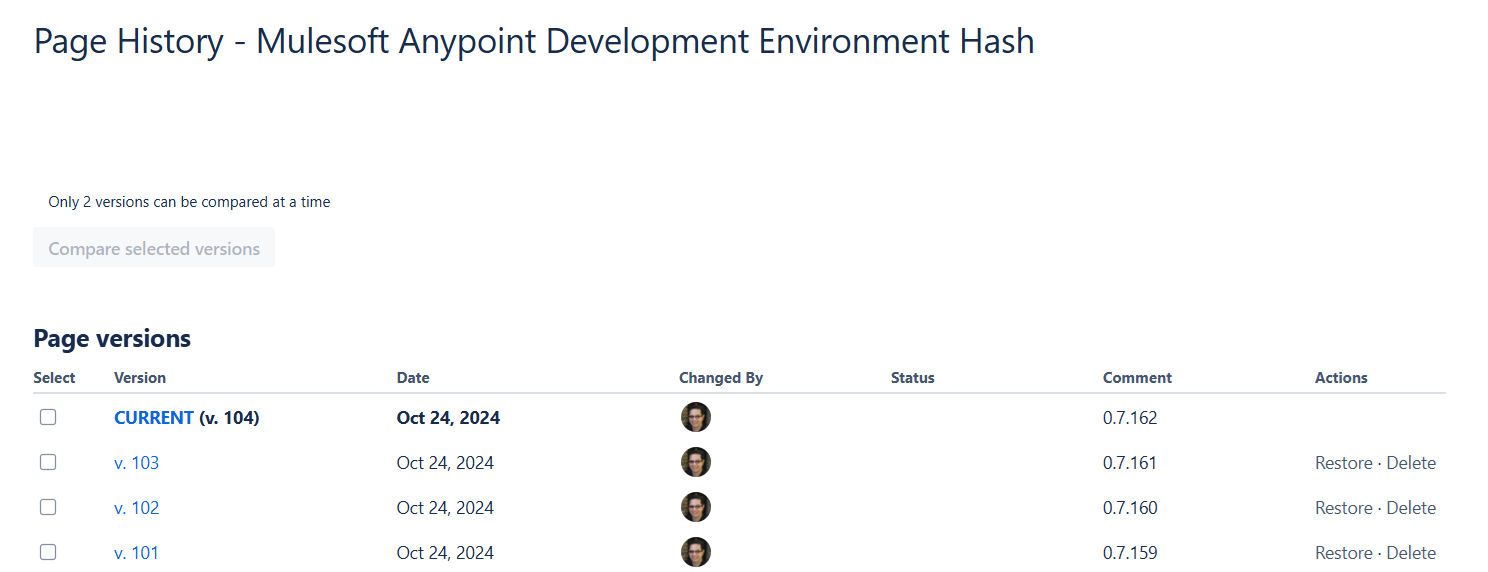
These can be aggregated in the Wiki to provide a consolidated view for non-technical users
Note that the overarching release number is used as a update comment when writing to the Confluence page, this provides a release history which is visible outside of the toolchain, which is easier to access by business users such as test managers and product owners.